



VectorXPro

Early access On the web and the App Store; Android next. Get started

Vector

WORKFLOW

Every part, every machine, right now.

Vector Workflow runs the work inside a tool room, prototype shop or small job shop. A request comes in, it’s routed, material is gathered, the parts move through your machines with a scan at every step, and the finished job is checked and marked done. Everyone in the plant can see where their parts are, and the people you choose see what it cost.

Download Vector Workflow on the App StoreComing soonGoogle Play
  • Built from your plant’s own answers, not someone else’s layout
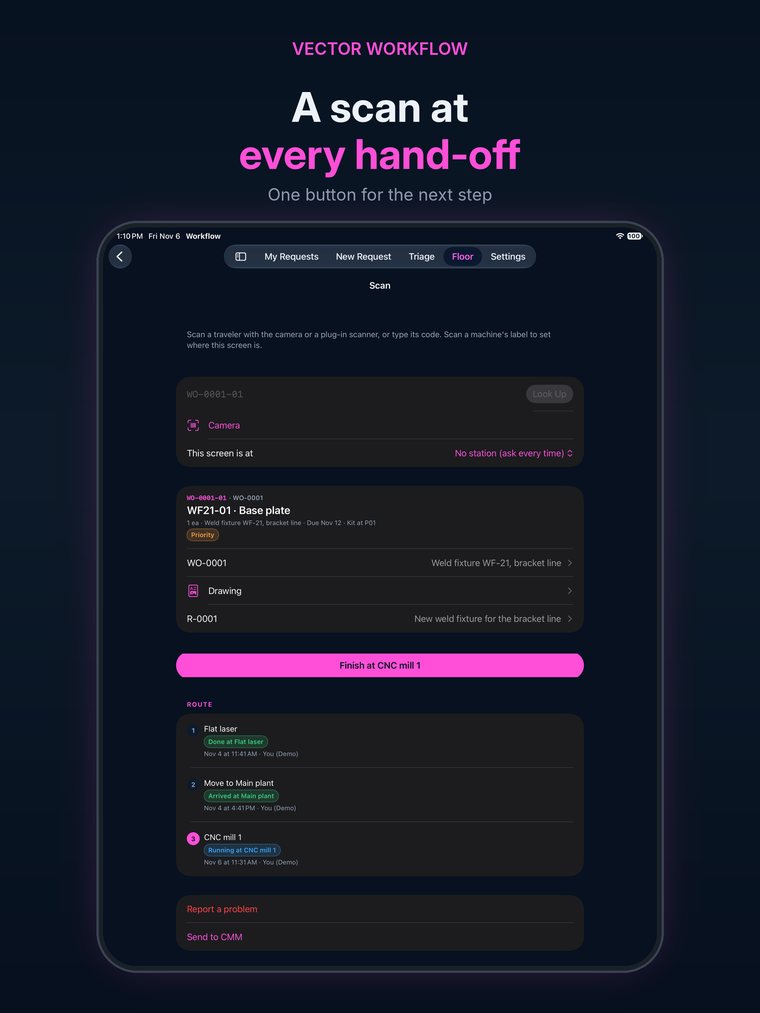
  • A barcode scan at every hand-off, from a phone or a plug-in scanner
  • Hours and cost against the estimate, on every job
  • Everyone in the plant included, floor staff too
vectorxpro.com/workflow/app
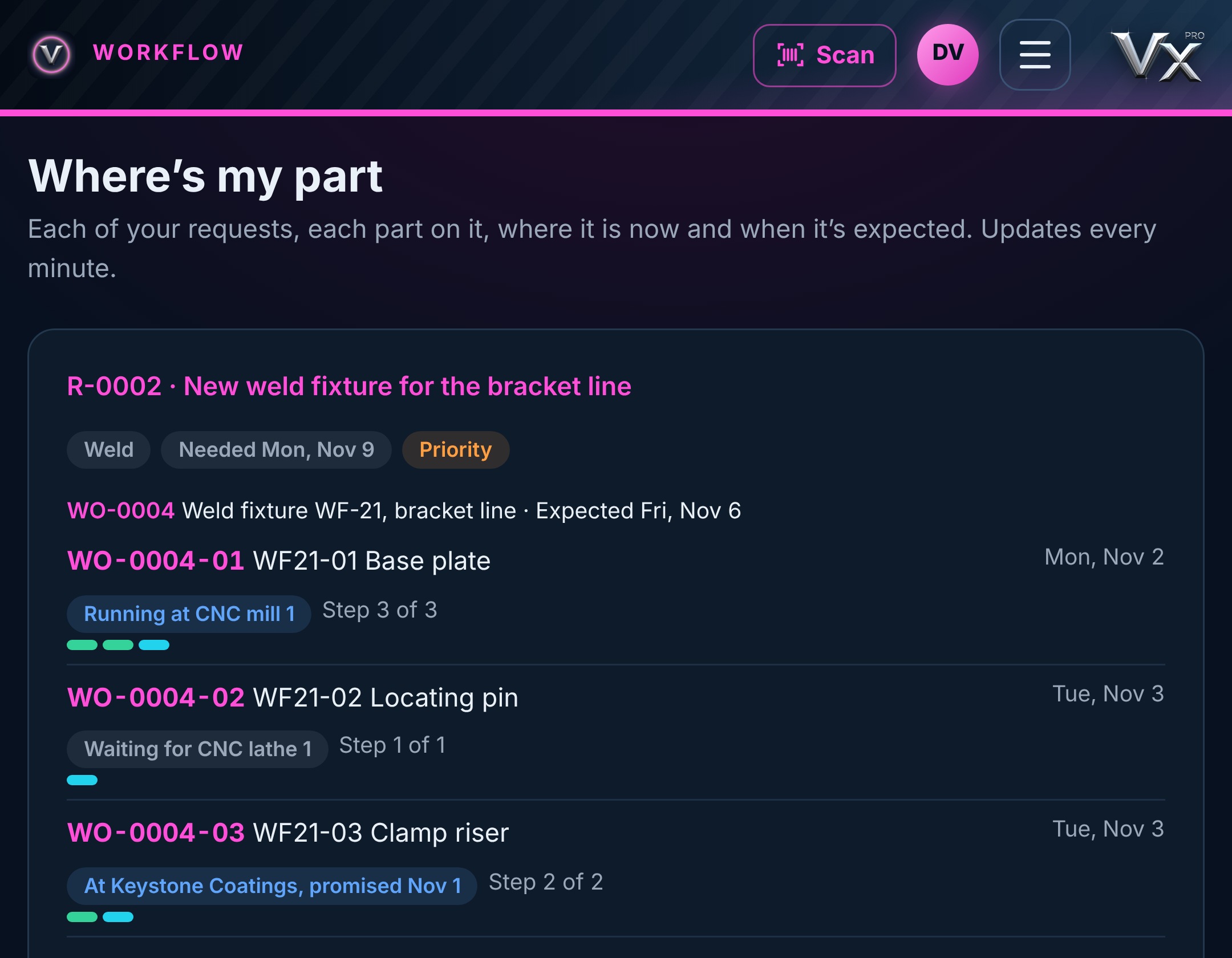
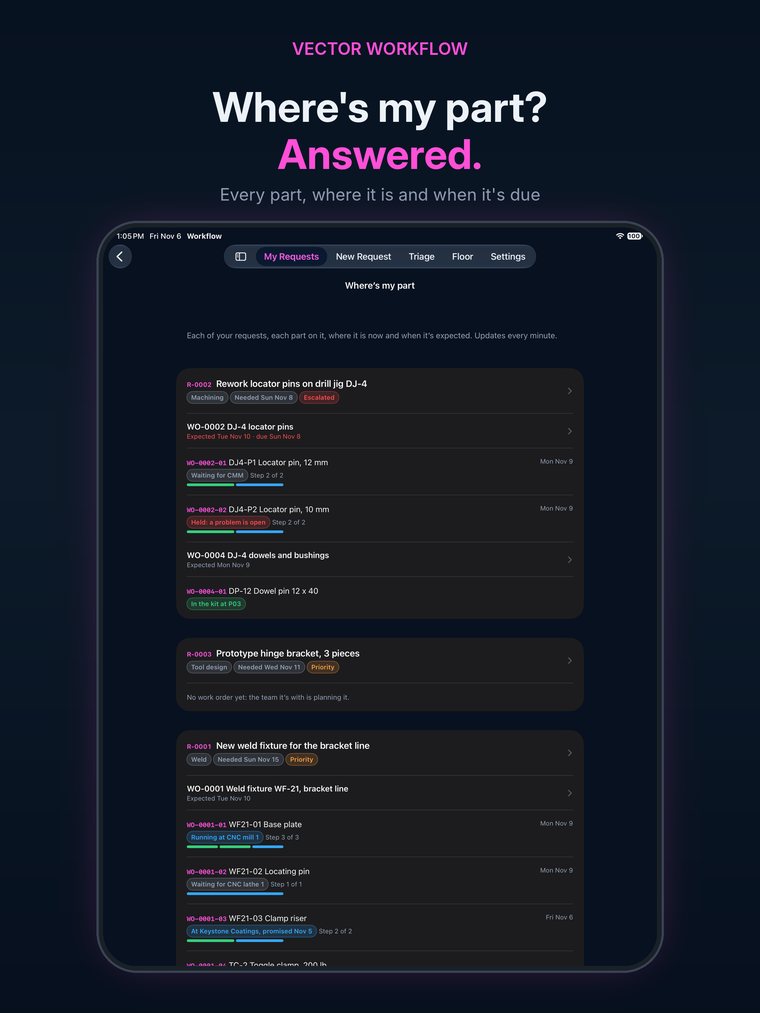
Where's my part in Vector Workflow: each part of a weld fixture, the machine or vendor it's at now, and when it's expected

The problem

Too small and too high-mix for big systems.
Too busy to live on spreadsheets.

01

“Where’s my part?”

Engineers walk the floor or call the shop to find out. The answer is in somebody’s head, or on a whiteboard nobody can see from the office.

02

Late is found out late

A part sits at the coater past its promise date and nobody notices until the bay is waiting for it.

03

Nobody knows what it cost

Hours go on a sheet at the end of the week, material on another, and the estimate is never compared with either.

How it works

One path for every job, from request to hand-back

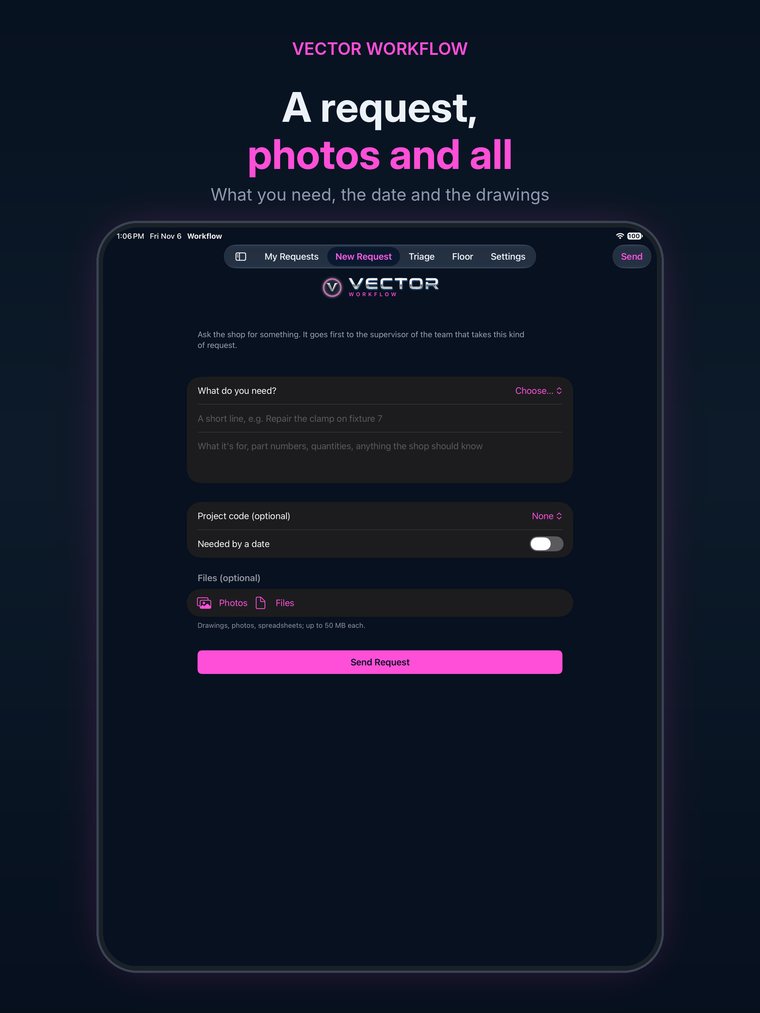
A new fixture, a tool repair, prototype parts, an estimate: every request follows the same path. What your plant sets up decides which steps appear.

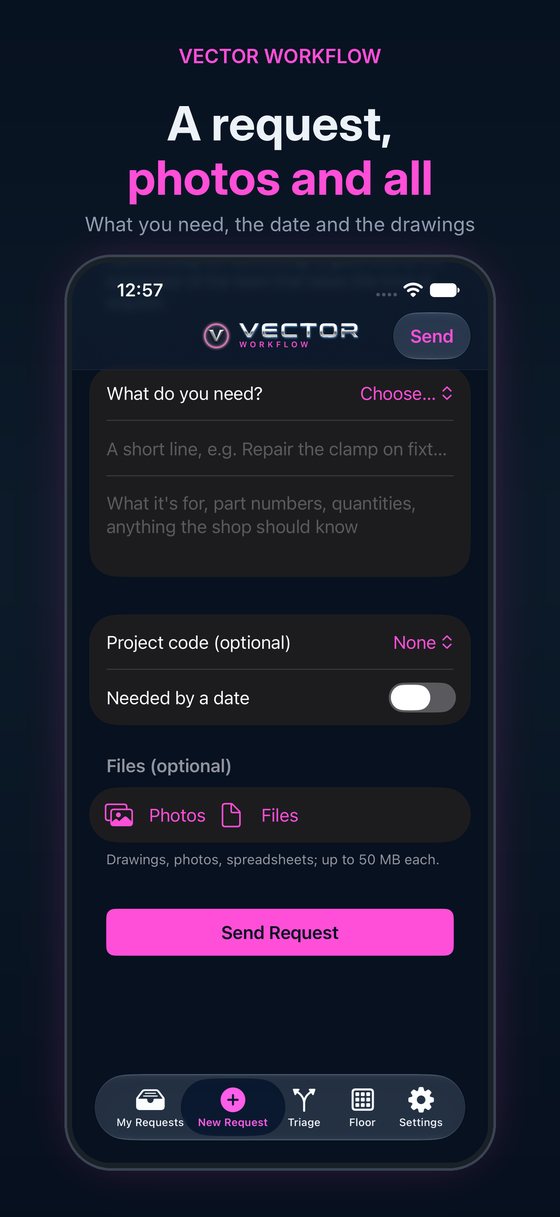
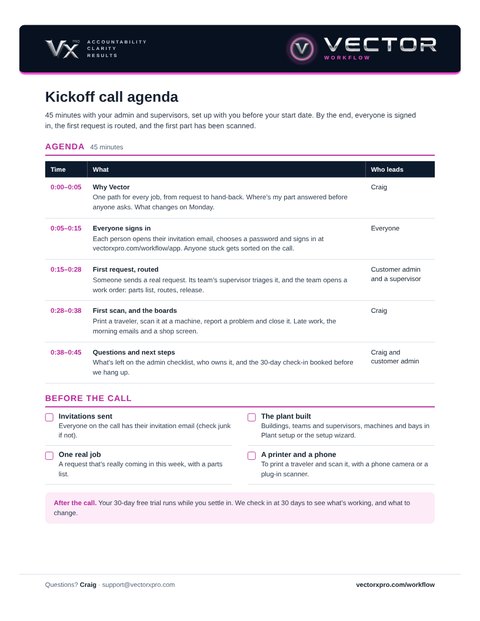
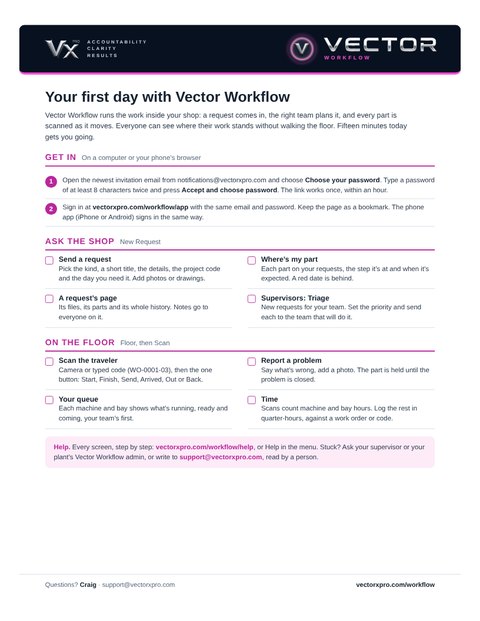
  1. 1RequestFrom a link or the app, with a project code if needed and a need-by date
  2. 2TriageThe first team’s supervisor routes it
  3. 3PlanParts list from Excel, a source and route for each part
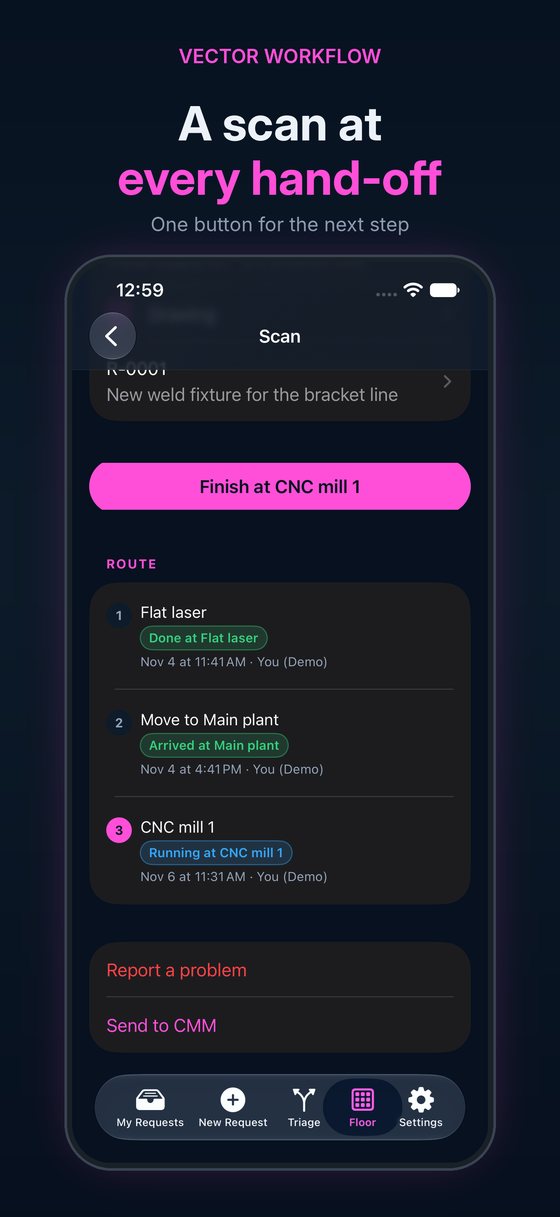
  4. 4MakeA scan at every machine, move and vendor
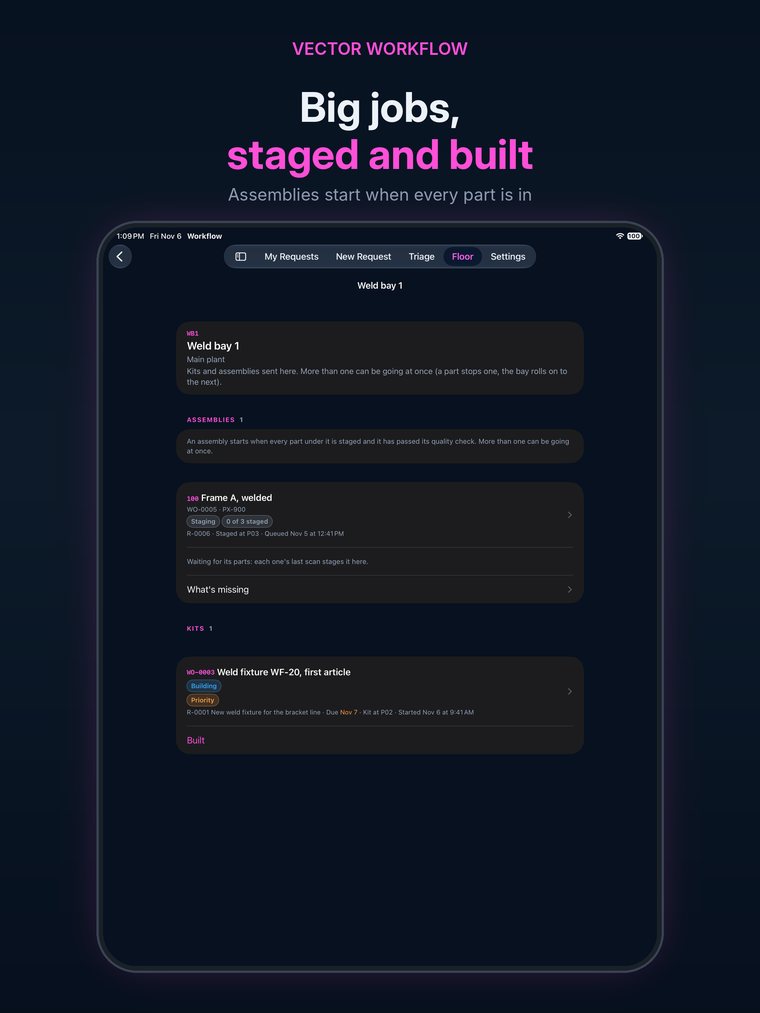
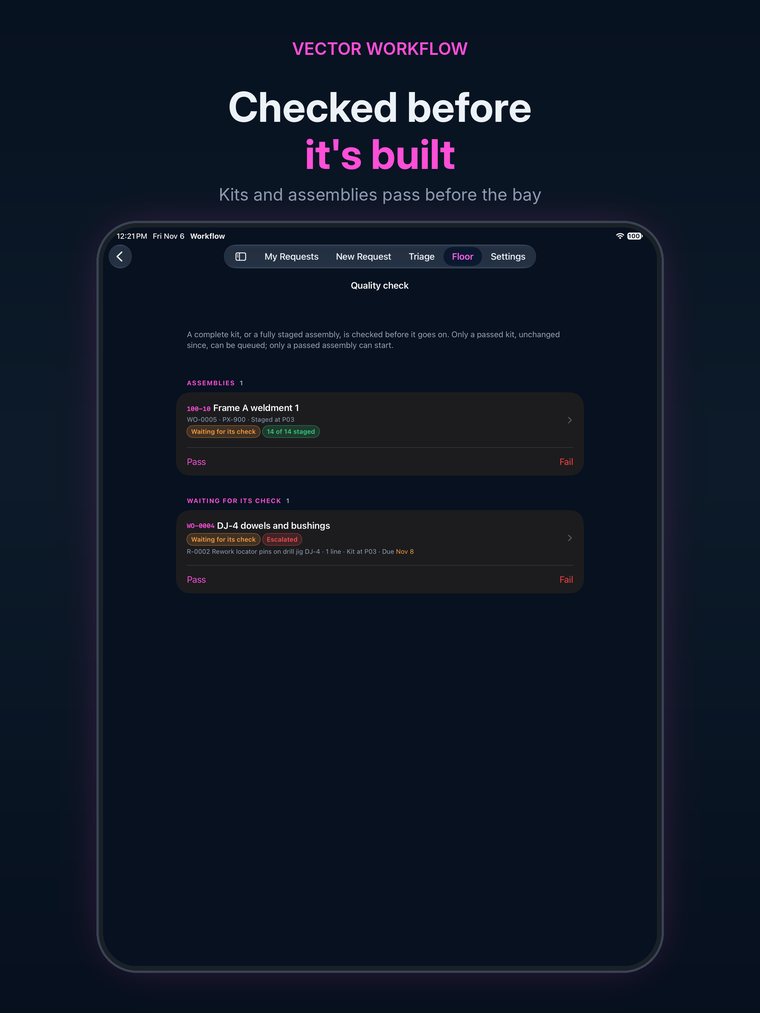
  5. 5Check and buildQuality check, the bay, validation if needed, done

Each step in detail

Visibility

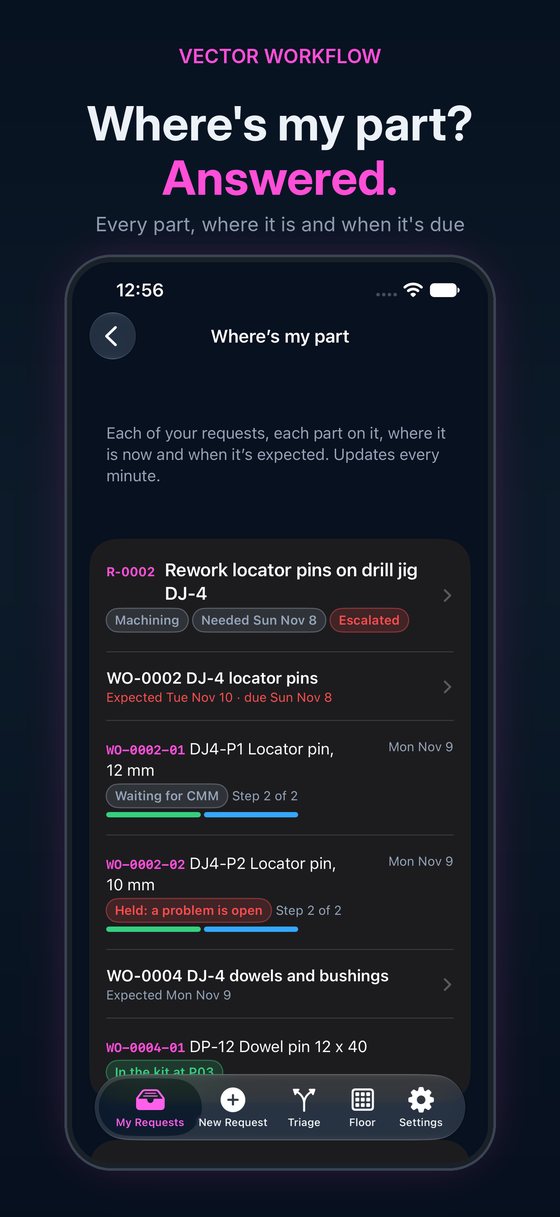
Where’s my part? Answered before anyone asks

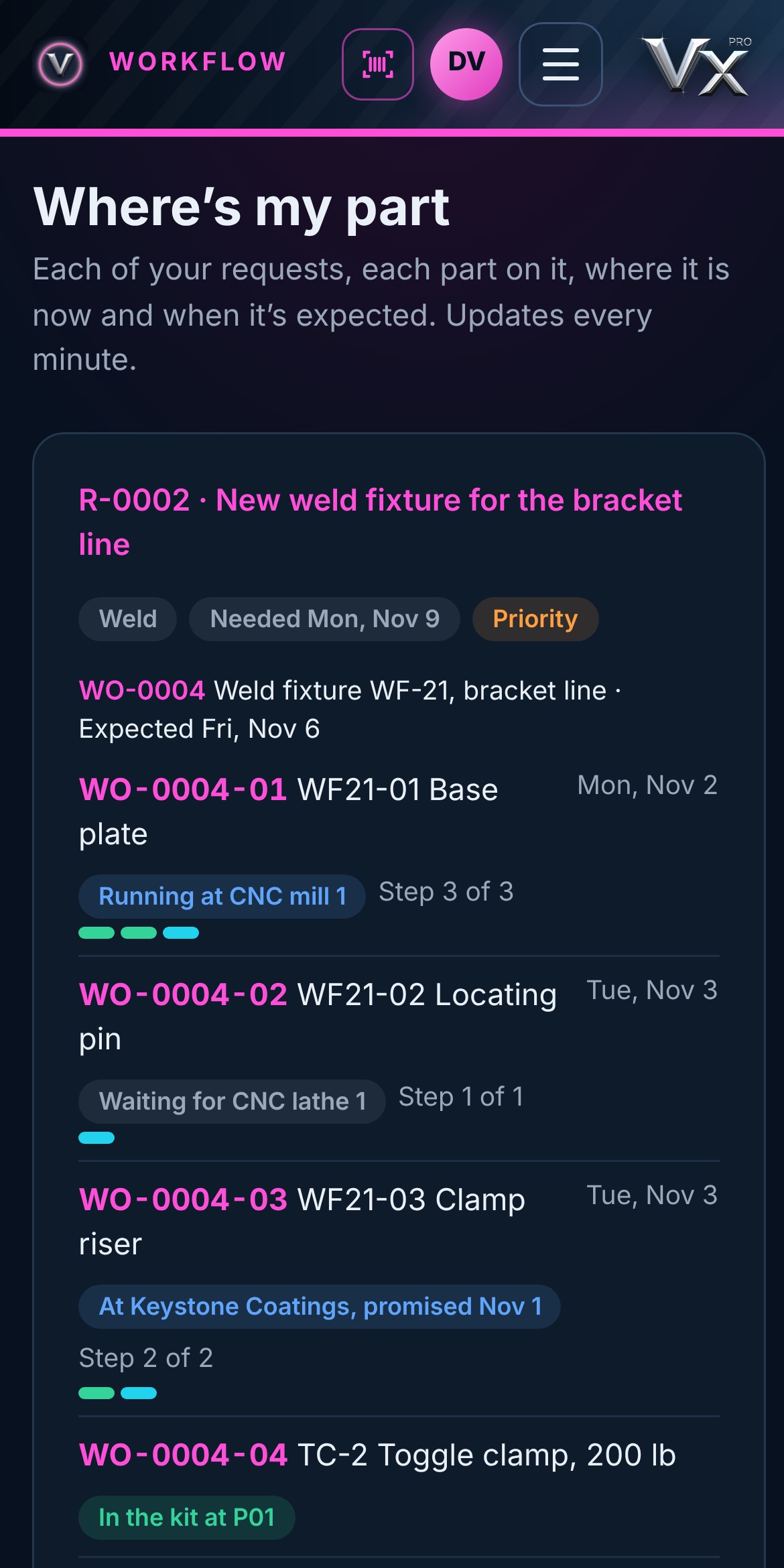
Whoever sent the request sees each part on it, the step and place it’s at now, and when it’s expected, worked out from the hours left on its route and any vendor’s promise date. Red means it will miss the day it’s due.

  • Running at the mill, at the coater, in the kit, building at bay 1
  • Expected dates that move as the scans come in
  • On any phone or computer, no walk to the floor
Phone browser
Where's my part on a phone: each part, the machine or vendor it's at now, its step and when it's expected

Late work

Late is found out the morning it happens

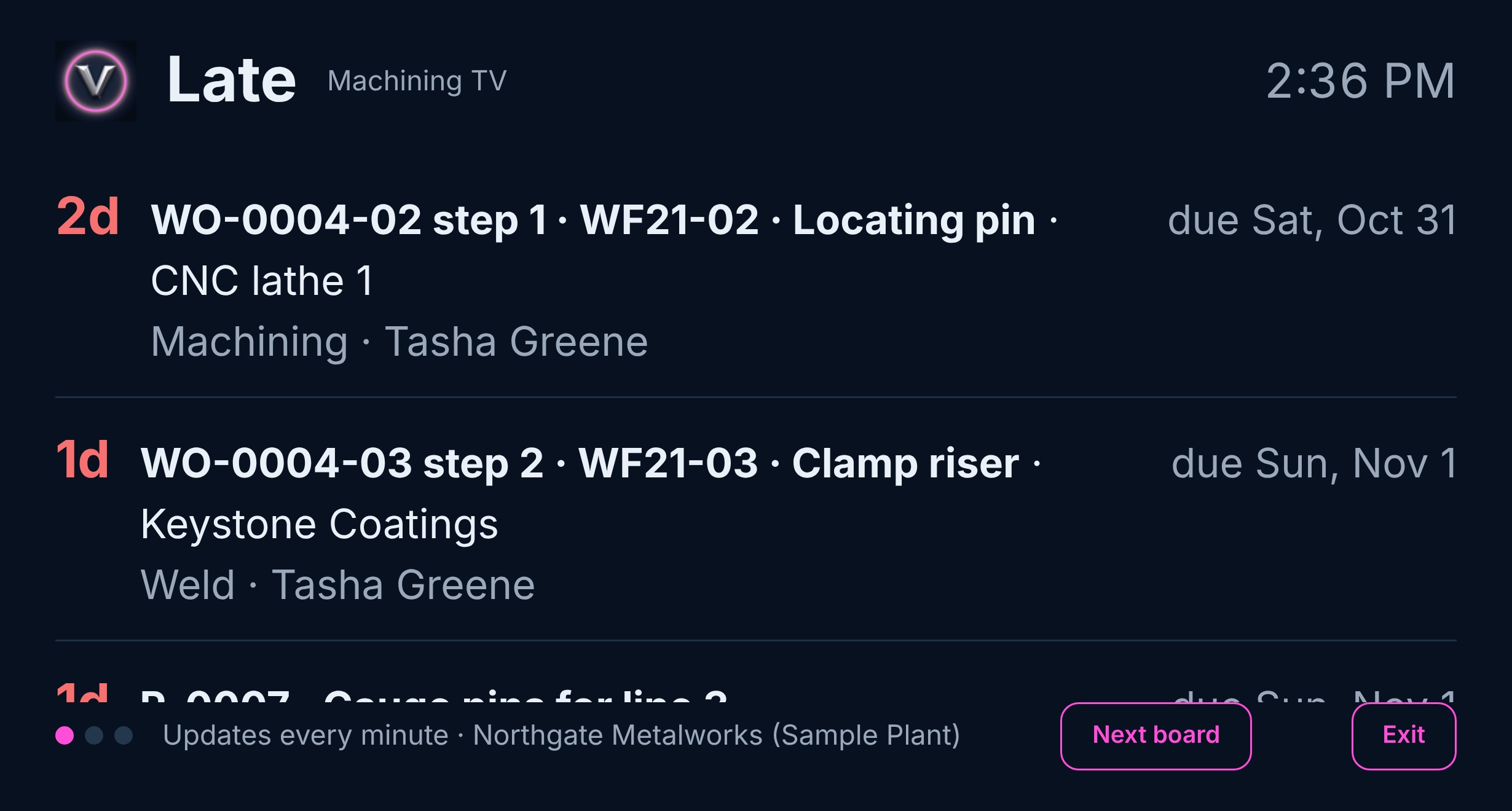
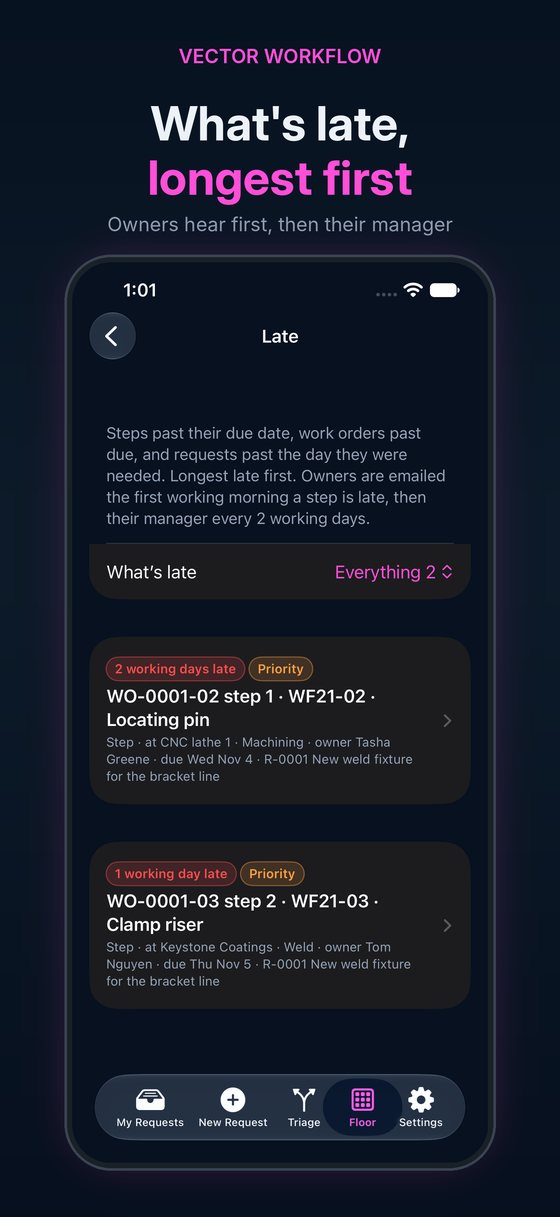
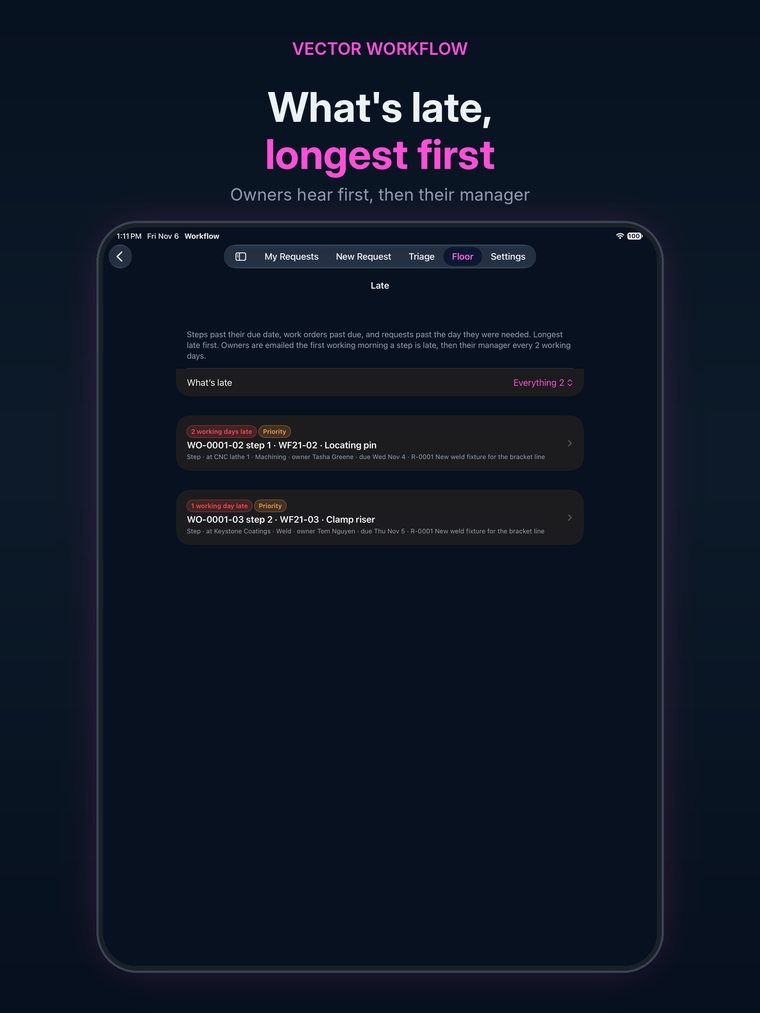
Every step has a due date from its estimate and your plant’s working days. The late list shows what’s past due, on its own page and on the shop screens, and the owner gets an email the first morning. If it stays late, their manager hears next, then the next level up, on your plant’s own timing.

  • Steps, work orders and requests, longest late first
  • Escalation up your own org chart, by email
  • Shop TVs that cycle the boards you pick
vectorxpro.com/workflow/app/screen
A shop screen showing the late board: a lathe step two days late and a coating vendor past its promise date

Time and cost

Estimate against actual, on every job

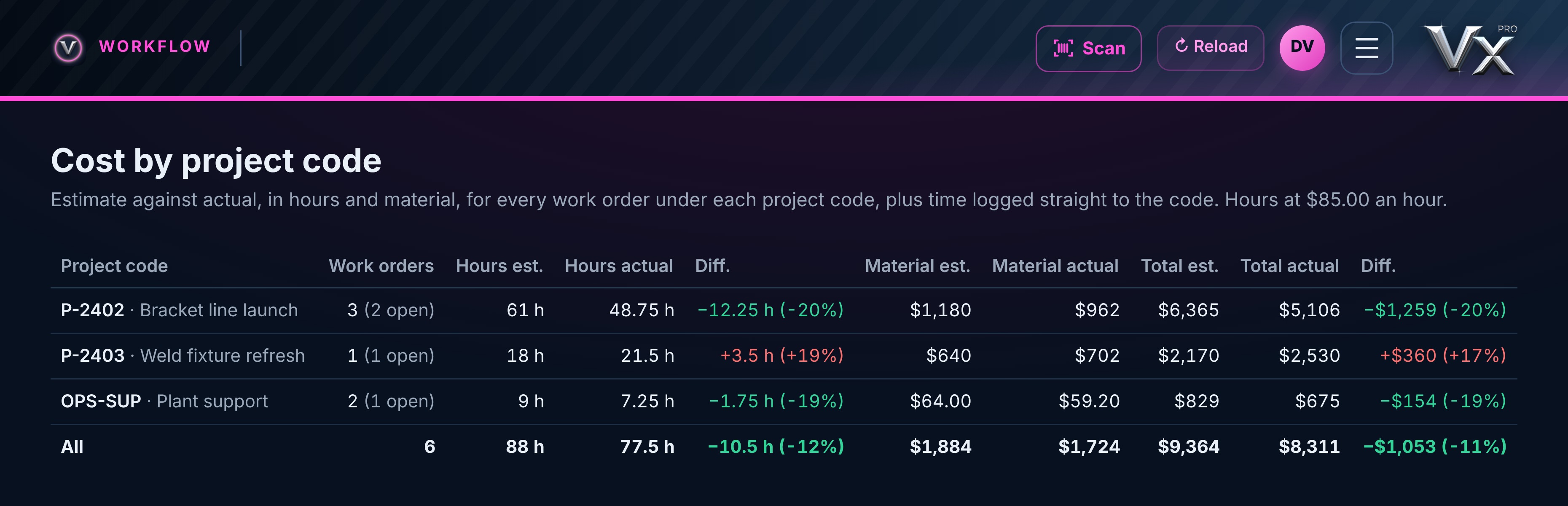
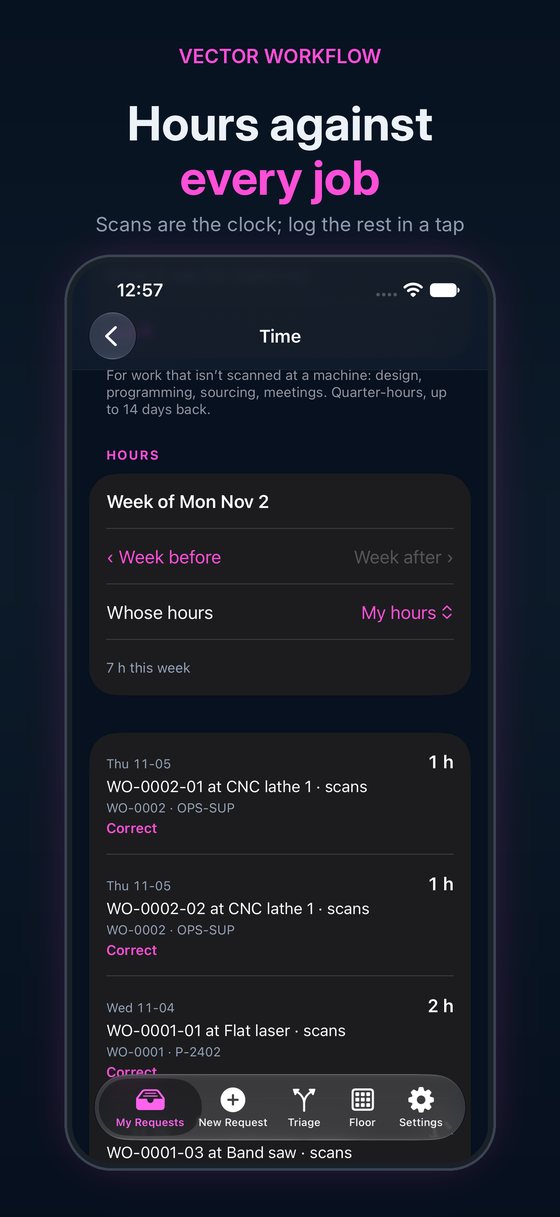
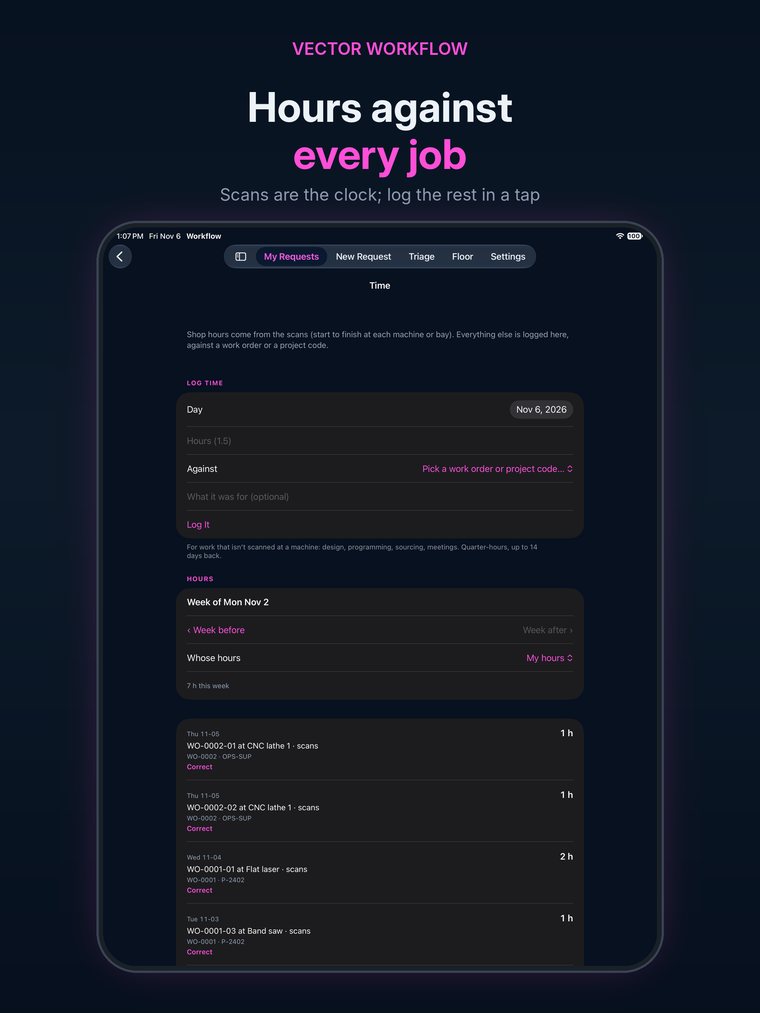
Shop hours come straight from the scans: start to finish at each machine and bay. Engineers, designers and material control log their own time against a work order or project code. Material is costed when it’s picked or paid for. Leaders, and anyone you switch on, see it all against the estimate, by job and by project code.

  • No timesheets for the floor: the traveler scan is the clock
  • Long runs flagged for the supervisor to check
  • Costs seen only by the people you choose
vectorxpro.com/workflow/app/cost
Cost by project code: hours and material, estimate against actual, and the difference

See it

On your phone, your iPad and the web

The same plant on every screen: the phone on the floor and in your pocket, the iPad at the bay, the web at a desk or on a shop TV. The app for iPhone and iPad is on the App Store; Android is next, and the same screens run in any browser.

Where's my part? Answered.
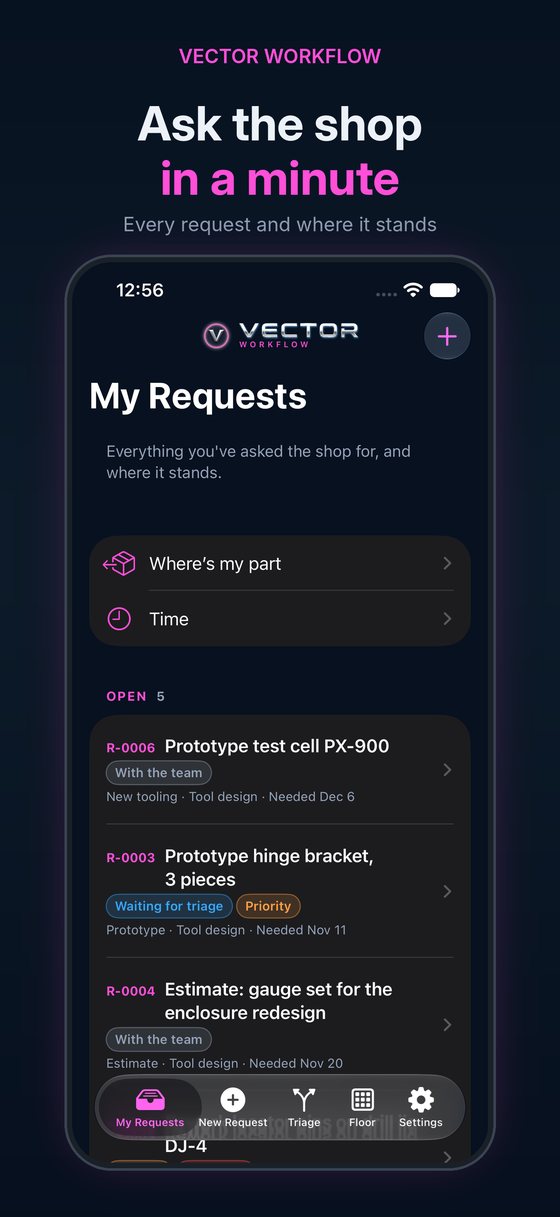
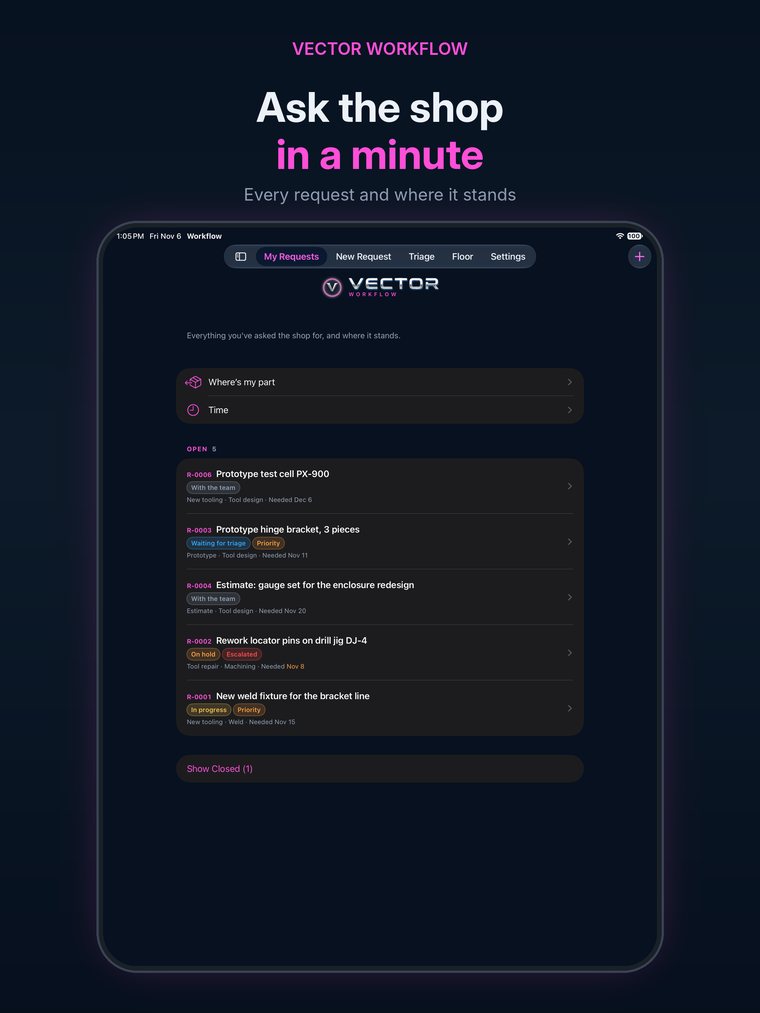
Ask the shop in a minute
A scan at every hand-off
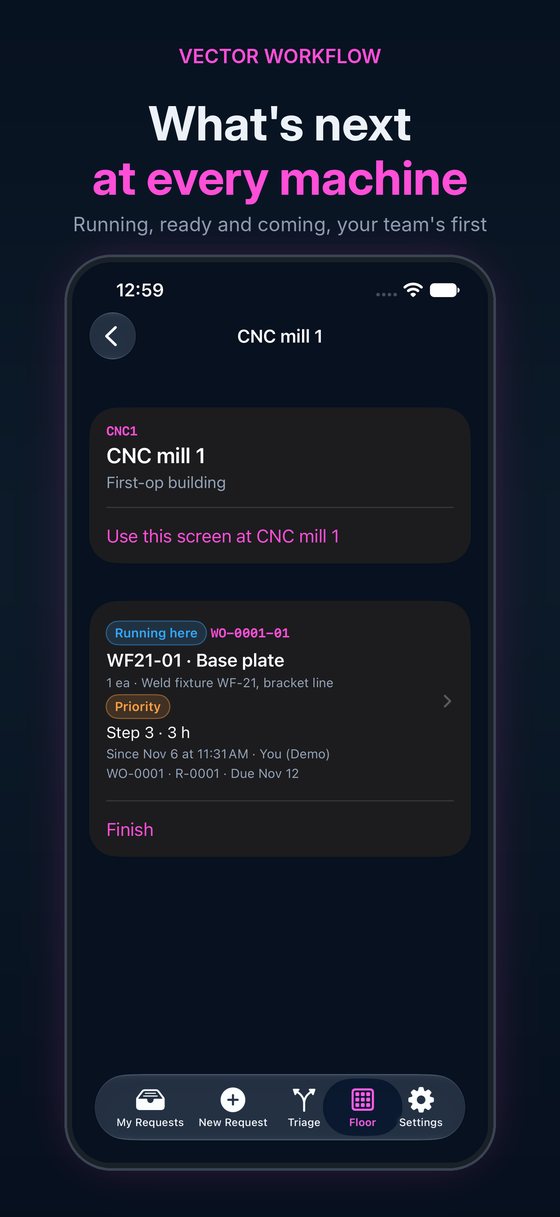
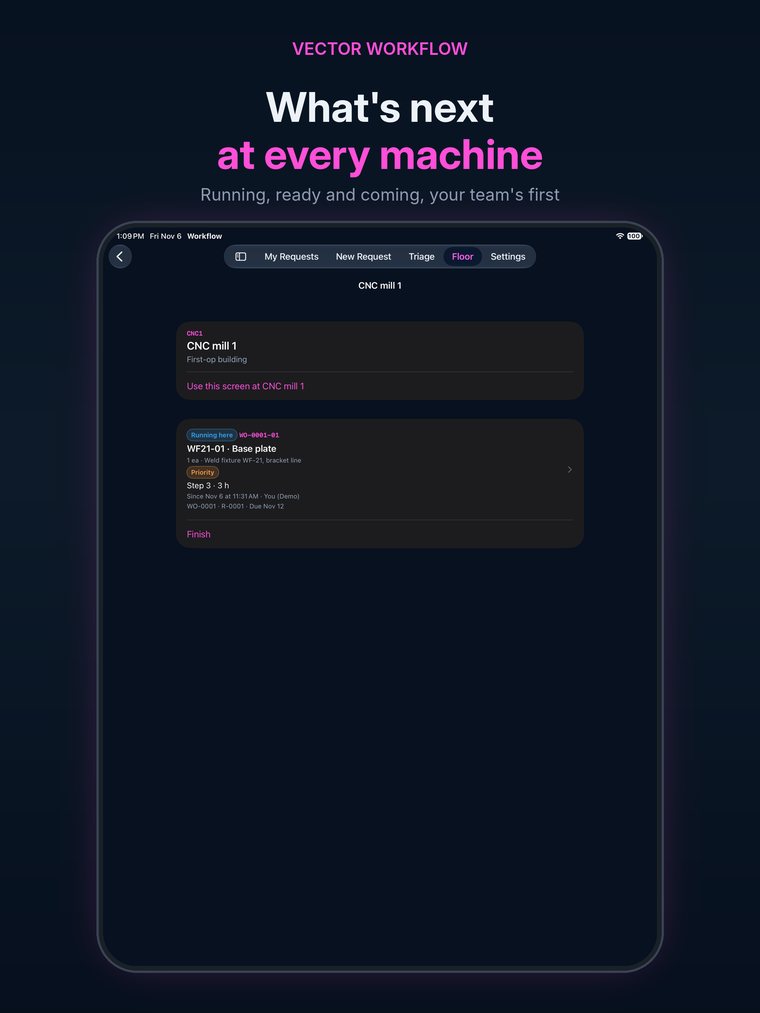
What's next at every machine
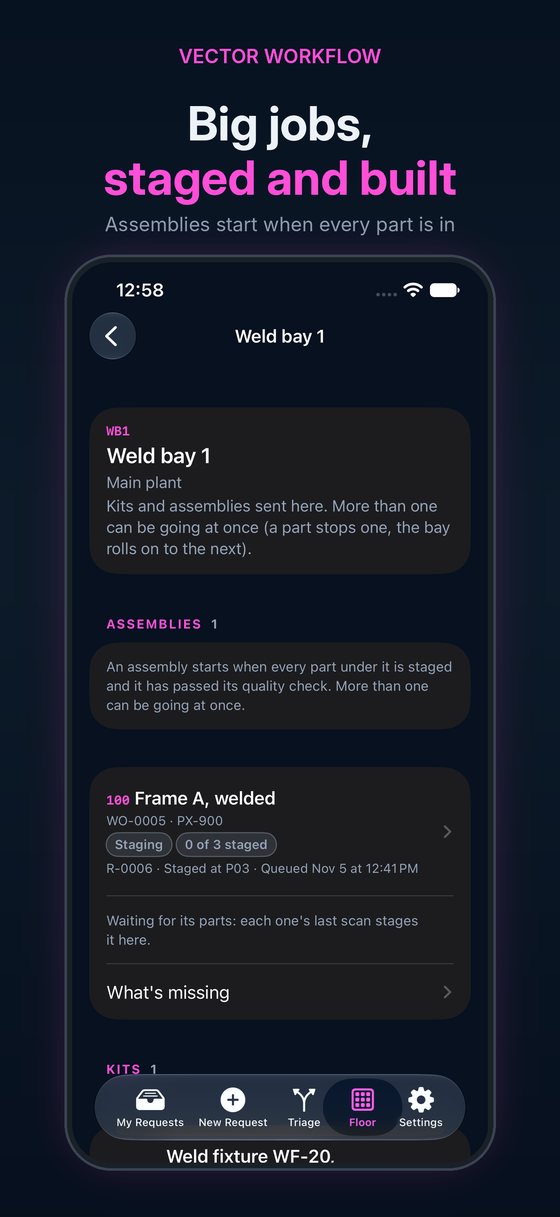
Big jobs, staged and built
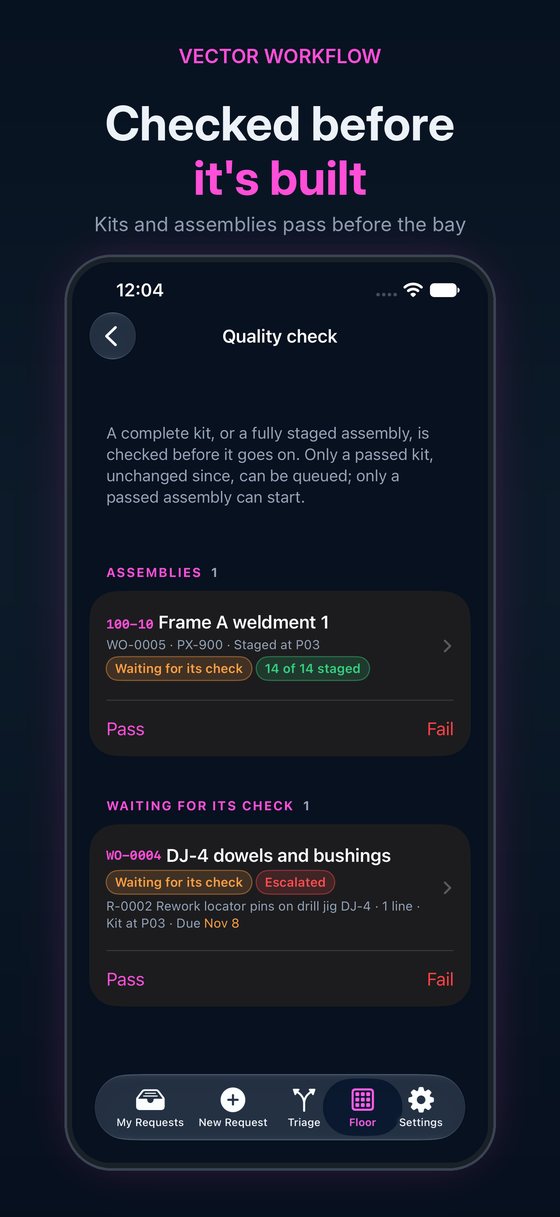
Checked before it's built
Hours against every job
Late, found the morning it happens
A new request, with photos
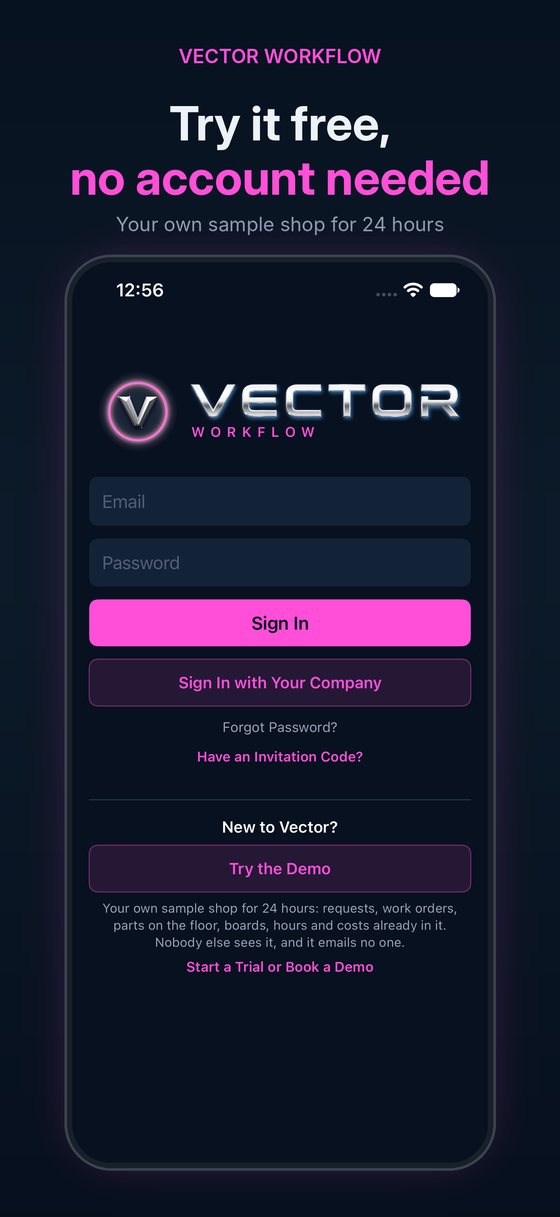
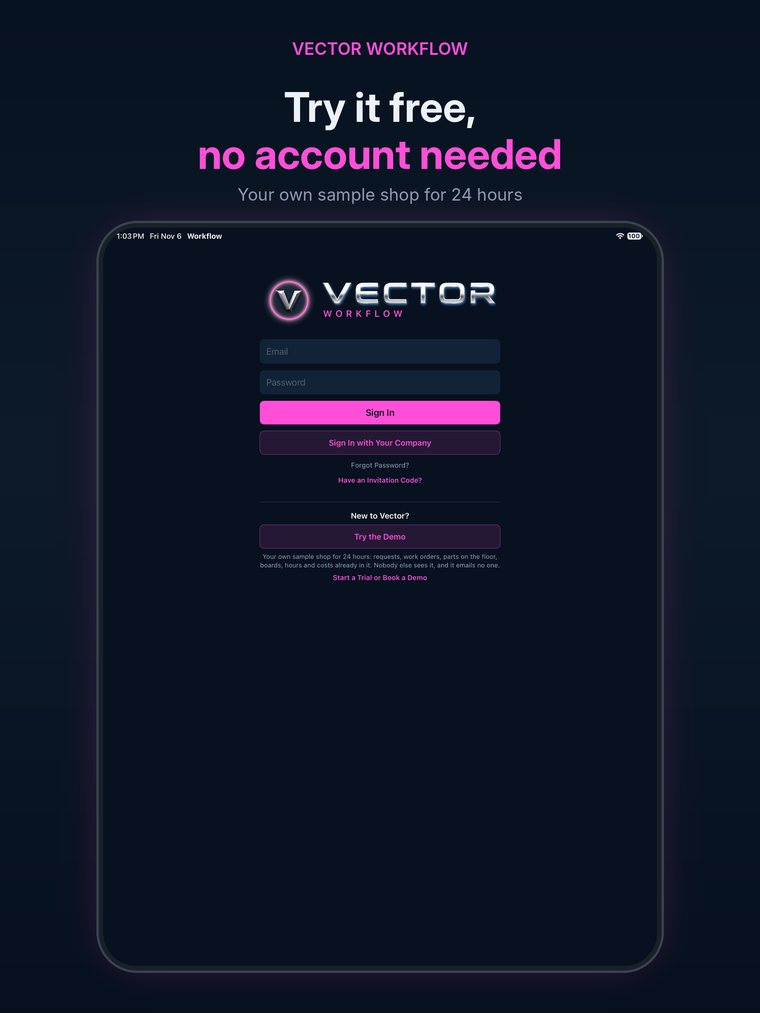
Try it free, no account needed

Swipe or scroll for more. Every screen, step by step, is in the Help Center.

Who it's for

Everyone in the plant, on one plan

Requesters

Design and manufacturing engineers send a request in a minute and see every part move.

The shop floor

Machinists, welders and assemblers scan the traveler, press one button, and see what’s next at their machine.

Material and quality

Shortages in due-date order, kits checked before a bay, problems routed supervisor to supervisor.

Supervisors and managers

The late list, the boards, and hours against every estimate; cost too, for the people you switch on.

Built from blocks, set up the way your plant works

Guided setup

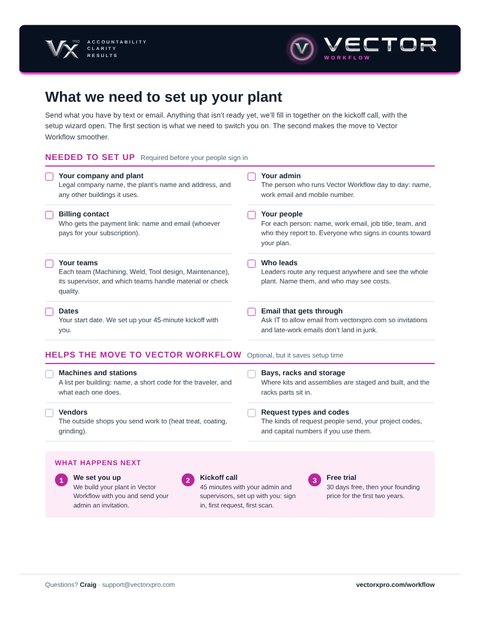
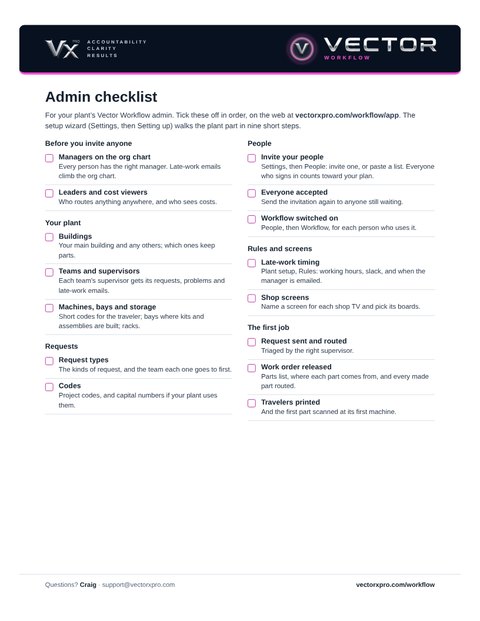
Nine short steps set up your buildings, teams, machines, bays, storage, vendors, request types and codes. Nothing is assumed.

Buildings and vendors

Off-site buildings and vendor locations, each with its own racks and bins.

Parts lists from Excel

Paste the bill of materials, check the preview, done.

Inventory and kitting

Stock by location, receiving, picking into kits, shortages.

Travelers and scans

Code 128 and QR on every traveler; phone cameras and plug-in scanners.

Outside work

Sent to the vendor with a promise date; late ones show red.

Quality, CMM and validation

Kit checks, one-tap CMM requests, buy-offs with invitations and attendance.

Problems

A failed part is held and routed supervisor to supervisor until it’s fixed.

One Vector account

The same sign-in, people and org chart as every Vector app.

Shop TVs (Live Floor)

Any TV shows the boards your plant picks from a display link: no sign-in, no seat.

A QR at every machine (Live Floor)

Scan it to see what’s running there and what’s next, then start or finish once signed in.

The live floor map (Live Floor)

Every machine and bay, building by building, coloured running, ready, idle or late, refreshed every minute.

Our why

Why we built Vector Workflow

Where’s My Part? is a short story about a tool room, a weld fixture and the one part nobody could find, told twice: once the way it usually goes, and once with every part coded and every move scanned.

Live Floor Add-on

If you have Live Floor, you can…

  • Put the shop on any TVA display link shows the boards your plant picks. No sign-in and no seat for the TV.
  • Answer “what’s running here?” at the machineA QR code on every machine and bay shows what’s running there and what’s next. Signed in, you start or finish the step from the same scan.
  • See the whole floor on one mapEvery machine and bay, building by building, coloured running, ready, idle or late, refreshed every minute.
  • Stop walking the floor to find outSupervisors, planners and the people waiting on parts see the floor from wherever they are, without asking anyone.

The moment it pays off

The plant manager stops by the tool room on Thursday afternoon. Before anyone gets up, the TV by the door shows the floor map: the CMM late, the grinder idle, the lathe running the fixture block. Nobody has to stop work to explain where things are, because the room already shows it.

Questions

What kind of shop is it for?

Tool rooms, prototype and model shops, maintenance shops and small job shops: high-mix work inside a plant or a small company, too small for a big ERP or MES system.

Do we have to change how we work?

No. Your plant’s setup decides what appears: a one-building shop with no vendors never sees outside work.

Is there a phone app?

Yes. Vector Workflow is on the App Store for iPhone and iPad, and runs on the web on any computer, shop-floor screen or phone browser, all on the same account. Android is next.

Do the machinists need phones?

No. A shop-floor screen with a plug-in scanner, set to its machine, starts and finishes steps with one scan. Phones work too, with the camera.

Who sees costs?

Admins and leaders, and anyone your admin switches on. Everyone sees their own hours; costs never appear on shop screens.

Can we try it first?

Yes. Try the Demo gives you your own copy of a sample tool-and-fixture shop for 24 hours, with requests, jobs on the floor, hours and costs already in it. Nobody else sees it and it emails no one.

What does it cost?

One price per site, counted by the people who sign in, floor staff included: from $349 a month for up to 50 people, with 30 days free. Live Floor, the add-on for shop TVs, QR codes on every machine and the live floor map, is $89 to $749 a month per site. Founding customers get 30% off for their first two years after the free trial. See the pricing.

Where does our data live?

In the Vector database, with every company walled off from the others. See our privacy policy and security page.

Vector Workflow

Bring your busiest week

Thirty minutes with your own requests and machines. We’ll show you where the days are going.

Book a Demo

See the pricing · Try the Demo · See the other Vector apps