 Actions

How it works
Five steps, from your head to done
Everything in Vector Actions happens on your iPhone. Here is what you do at each step, what the app does for you, who can see it, and what it keeps. Words in bold are the app’s own buttons.
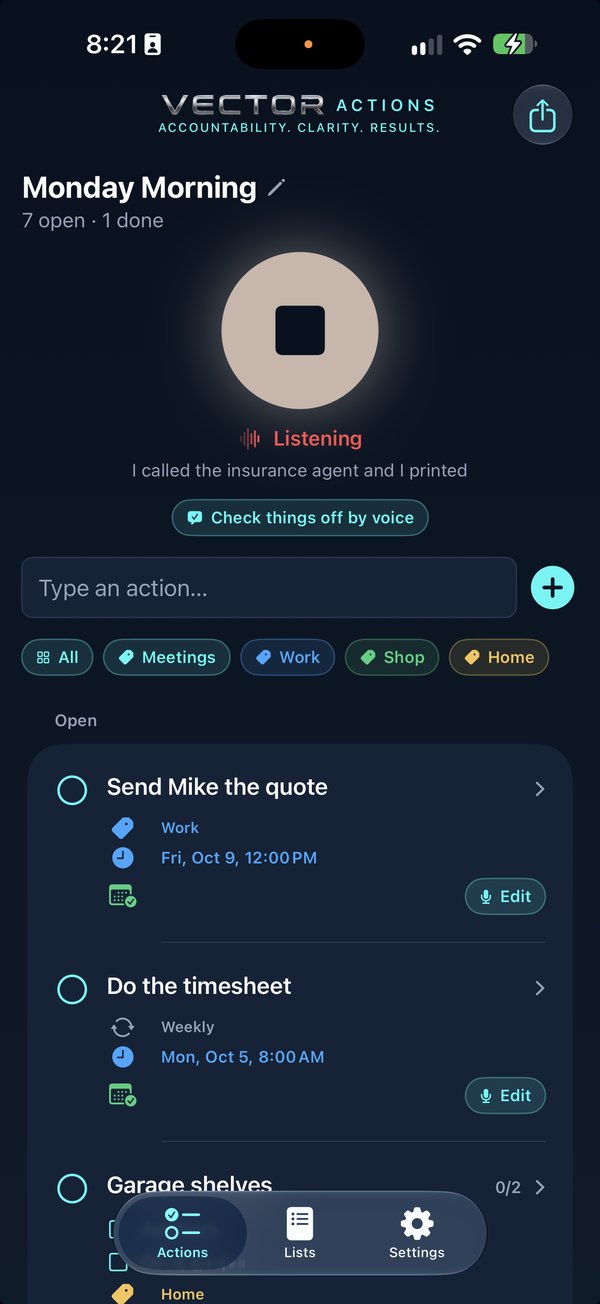
Tap and talk
Ramble. Jump around. Change your mind mid-sentence.
- What you do
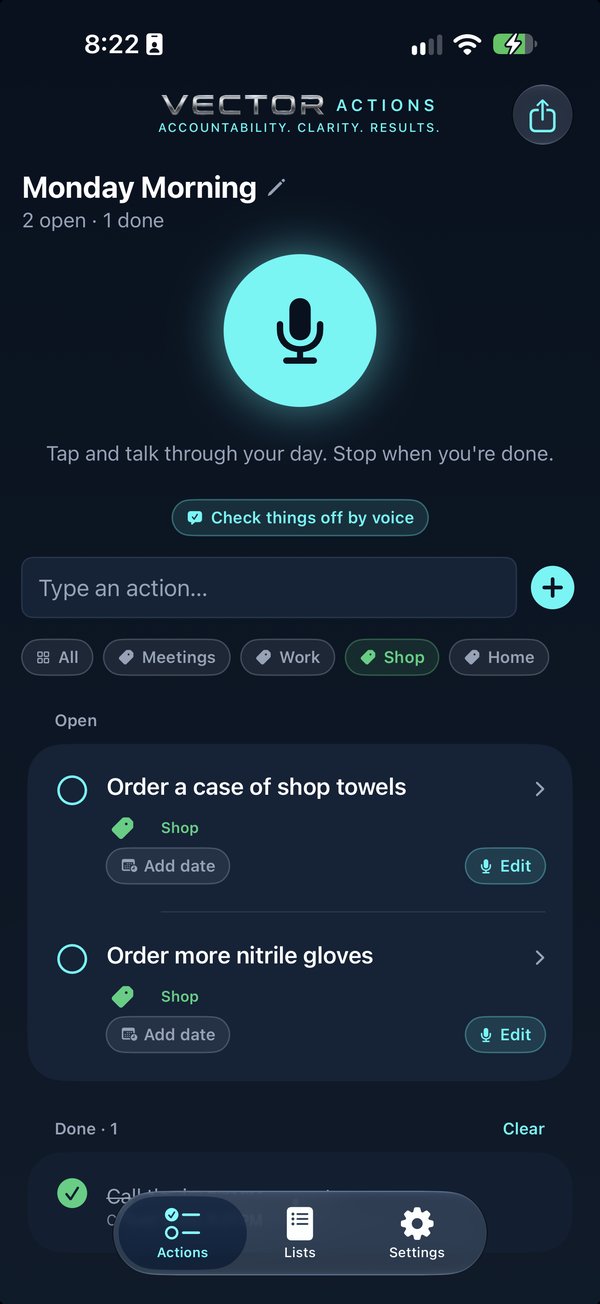
Tap the big microphone and say what’s on your mind, in whatever order it comes. Tap stop when you’re done. Rather type? Use the Type an action… row.
- What Vector does
- Turns your speech into words on the iPhone with Apple’s own speech recognition, showing them as you talk.
- The first time, the iPhone downloads its speech model from Apple, once.
- Who sees it
Nobody. Nothing you say leaves the iPhone, and there’s no account.
- What goes on the record
No recording is kept. The words are only used to make your actions.
It sorts
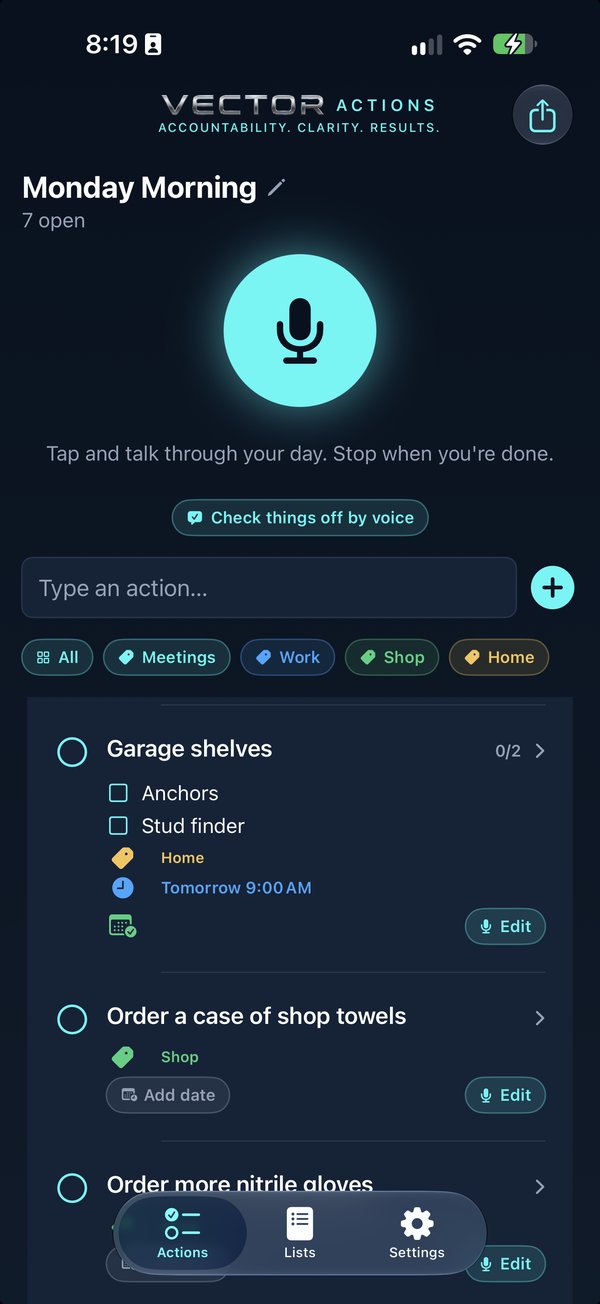
One action per thing you said, with the steps under it
- What you do
Nothing. It says Turning it into actions…, then how many it captured.
- What Vector does
- Apple’s on-device intelligence turns the ramble into actions, with related bits as steps under one action, and leaves the “ums” behind.
- Say a list name (“this is Monday morning’s list”) and that’s what the list is called.
- If Apple Intelligence is off or not on your iPhone, what you said is saved as one action for you to sort.
- Who sees it
Nobody. The sorting happens on the iPhone.
- What goes on the record
Each action, its steps, its category and any repeat, kept on your iPhone.
Dates land
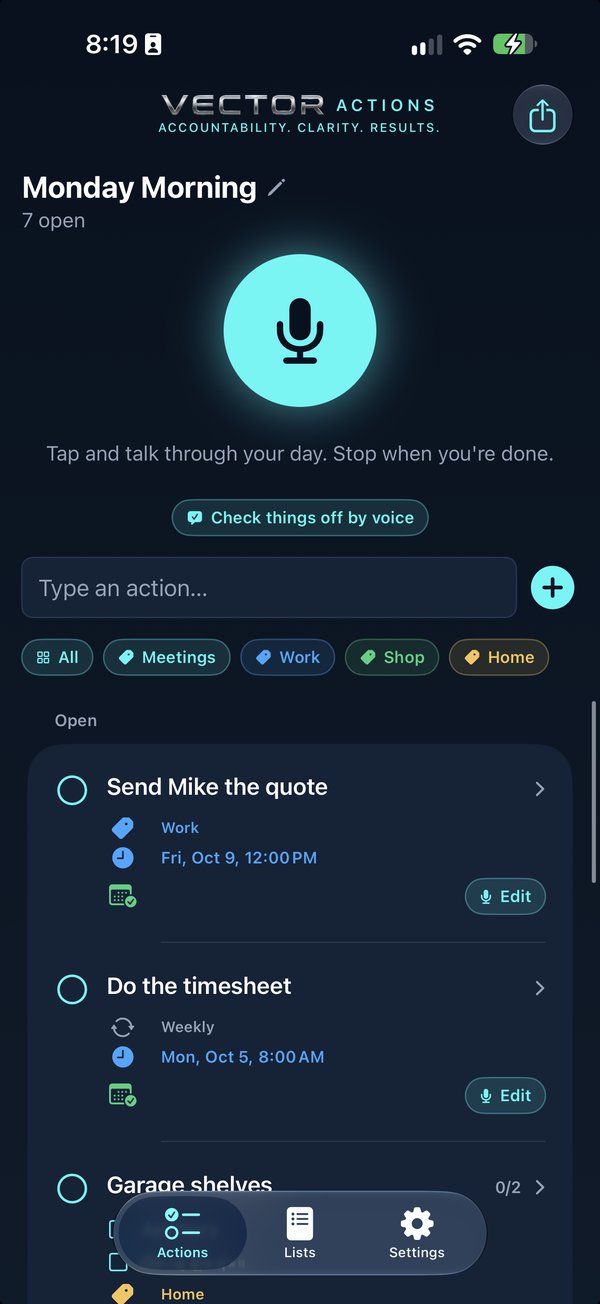
“Friday at 2” goes on your calendar, with an alert
- What you do
Nothing, if you said a day. Or add one with Add date on the action, or swipe it to Calendar. Pick Apple, Google or Outlook when you set it up, or in Settings, where you can also turn off adding by itself and set the alert.
- What Vector does
- Reads the day and time from what you said. A bare “at 7” means 7 in the morning.
- Puts it on your calendar through the accounts already on your iPhone, as a 30-minute event with an alert (15 minutes before, unless you change it), and offers Undo.
- Change the time later and the event moves with it.
- Who sees it
Whoever can see your calendar. The event syncs through your own Apple, Google or Microsoft account, not through us.
- What goes on the record
The calendar event, with the action, its steps and “From Vector Actions”. The app remembers which event is whose, so it can move it.
Deal with it later
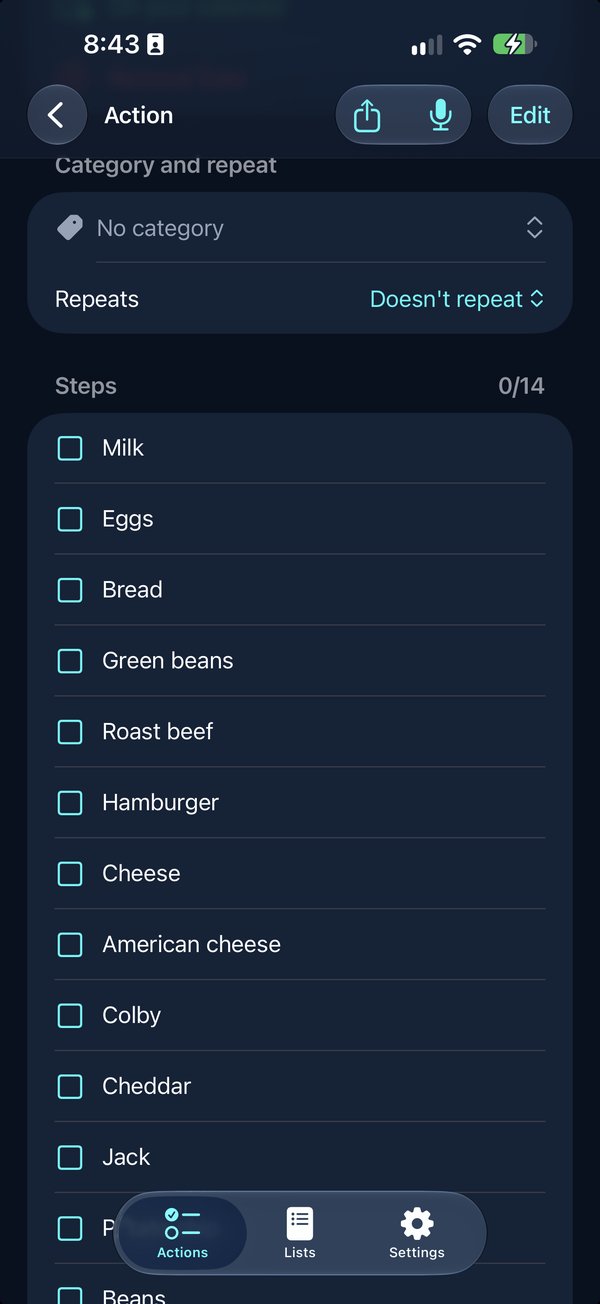
At your desk, on the couch, whenever you have time
- What you do
Open the list when you have time. Tap an action to see its steps, change the date, the category or the repeat, add notes, or swipe a step out to make it its own action. Edit by Voice changes it by talking. Send to Notes puts the list in Apple Notes.
- What Vector does
- Voice edits use the same on-device intelligence, with Undo.
- Lists keep work, home and the weekend apart; categories have your colours and a filter row.
- Who sees it
Nobody, unless you send the list to Notes or share it. That sends a copy, as plain text.
- What goes on the record
Everything stays on your iPhone. Nothing is backed up or sent to us.
Say what’s done
“Called the bank, dropped off the parcel.” Checked off.
- What you do
Tap Check things off by voice and say what you finished. It shows what it matched: tick what should close, then tap Close. Or tap the circle on any action.
- What Vector does
- Matches what you said to your open actions and steps by meaning, on the iPhone. Nothing closes until you tap the button.
- Closing from the list offers Undo, and a repeating action closed from the list sets up the next one.
- Who sees it
Nobody. The matching happens on the iPhone.
- What goes on the record
Closed actions move to Done with the day they were done, and can be reopened. Closing never deletes; Clear asks before it deletes them for good.
Empty your head tonight
$4.99, once. No account, no subscription.