 Actions


ACTIONS
Accountability. Clarity. Results.
How to use Vector Actions
Every part of the app, step by step. The same Help Center that's in the app under Settings, here so you can read it anywhere.
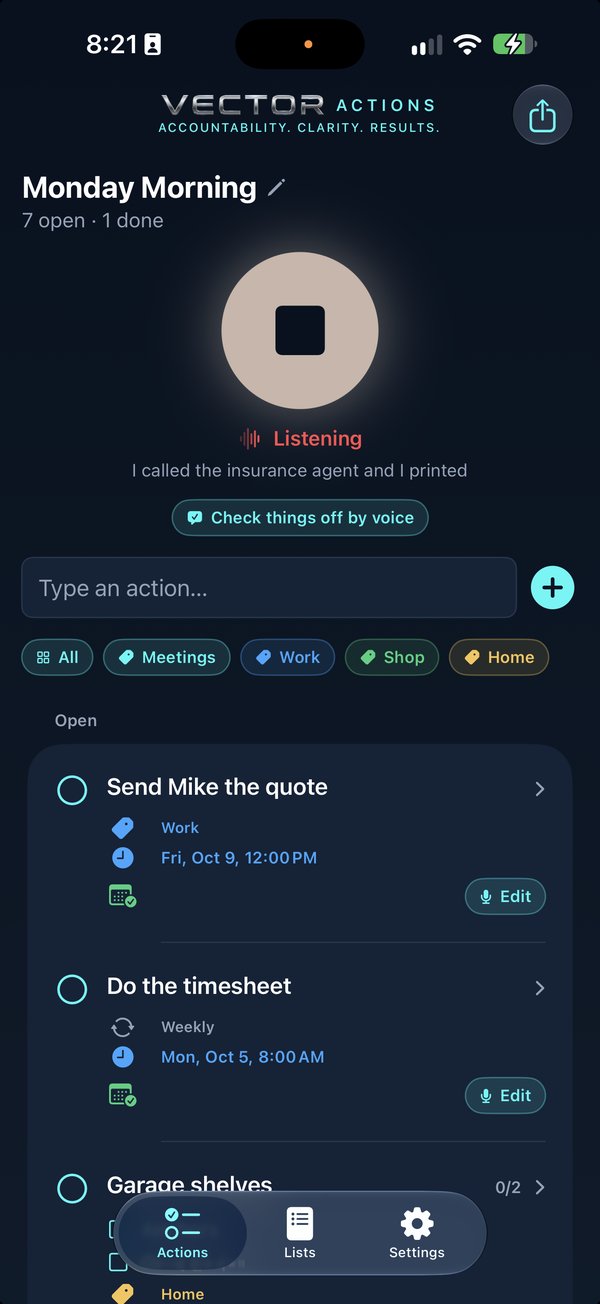
Getting StartedWhat the app does and how it's laid out.Talking It OutThe button, what to say, and how it hears you.Actions and StepsOne job with parts stays one card.Dates and TimesSpoken times, and the colours on a card.Your CalendarApple, Google or Outlook. A time said out loud lands there.Closing Things OutDone, Undo, Reopen — and the only thing that deletes.Checking Off by VoiceSay what you finished. Nothing closes until you say so.Changing It by VoiceSay the change and it's made, with Undo.Typing and EditingFor meetings, quiet offices, and fixing a name.Categories and RepeatsGroup the same kind of thing; bring back what comes round again.ListsOne for this morning, one for the shop, one for the house.Apple NotesA running record of what's open and what got done.SettingsYour calendar, Notes, categories, and setup again.When It Gets It WrongIt's a machine listening in a moving truck. Here's the fix.Permissions and SetupWhat to turn on, and what the phone needs.Your Words Stay HereNo account, no server, nothing sent.
Nothing in Help mentions that. Try a shorter word, or ask us.