
 Engineer

ENGINEER
Help Center
How to use Vector Engineer
Every part of the app, step by step, on the web and on iPhone. The same help is in the iPhone app under Settings → Help Center.
Every deliverable goes through five steps
From the request to the gate, and every step stays on the record.
- Request itWhat's needed, from whom, and by when
- Promise itThe owner accepts, or proposes a date they can hit
- Work itThe definition of done, files and versions as it moves
- Sign itSomeone else signs it complete, and technically correct where needed
- Pass the gateThe gatekeeper decides Go, Hold, Recycle or Kill
Help Center
Pick a topic, or search.
Getting StartedWhat Vector Engineer does, and the few words it uses.My WorkEverything waiting on you, with your next move first.Requests and DatesAsking for work, promising a date, and deciding on an answer.Doing the WorkStart, tick the definition of done, flag a slip, and submit.Files and VersionsAttach the work product, add versions, and withdraw a mistake.Sign-offsWho signs, what a signature means, and when work is verified.Gates and DecisionsWhen a gate is ready, and Go, Hold, Recycle or Kill.ScheduleA timeline calculated from promises, with every delay traced.ReportsThe Gate 6 report, the company report, and what they count.DefectsTrace a problem found later back to the work it came from.Reviews and FindingsDesign, FMEA, prototype and drawing reviews: raise what you find, with photos, and see each one fixed and signed off.People Outside the CompanyAsk a supplier or another department for work, by email. On the web.Projects and TeamsStart a project, build its team, and hand work on.Company SetupGate processes, people and seats, on the web.Your AccountSigning in, your invitation, reload, and signing out.
Nothing matches that. Try fewer words, or ask us.
Getting around
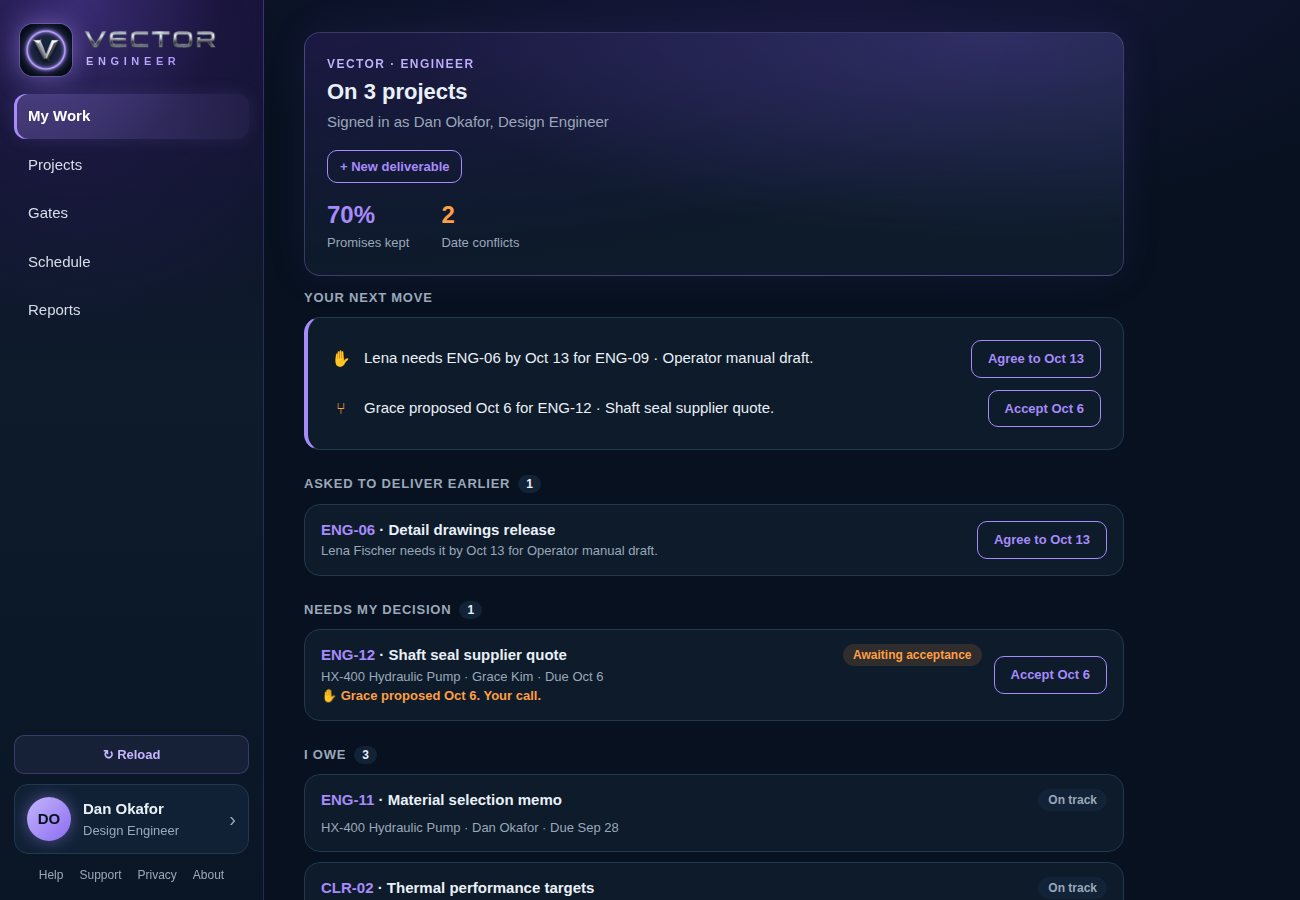
On the web these are down the left side; on iPhone they're tabs along the bottom, with Settings.
- My WorkWhat's waiting on you
- ProjectsLists the projects you can see, with their teams and their reviews
- GatesShows each project's gates and what's left before each one
- ScheduleThe calculated timeline
- ReportsHolds each project's Gate 6 report and, for leadership, the company report