
Help Center / Sign-offs

Sign-offs

Who signs, what a signature means, and when work is verified.

Two signatures

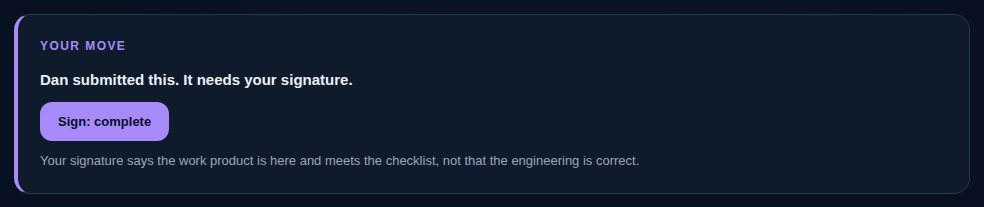
Complete is signed by the validator: the work product is here and meets the definition of done. Technically correct is signed by a technical reviewer, only where the work needs one. The validator's signature never claims the engineering is correct. When every signature it needs covers the current version, the work is verified and the work waiting on it can start.
Sign

  1. 1Open the deliverable from Needs my signature on My Work.
  2. 2Check the current version and the definition of done.
  3. 3Choose “Sign: complete” or “Sign: technically correct”.
vectorxpro.com/engineer/app
Your move on submitted work: Sign: complete

Who validates

By default the owner's manager signs it complete, or whoever the manager has handed validation to; then the project lead; then leadership. Nobody signs their own work. On a new deliverable you can choose someone else under “Validated by”. When you request what you need, the validator is set for you the same way.

A signature covers only the version it was made on. A new version needs new signatures, and the old ones stay on the record.

Hand validation down

A manager can name someone below them to validate in their place, for every project or one: on the web in Settings → Who validates for me, on iPhone in Projects → Company → Who validates for me. Their open, unsigned work moves to that person at once; ending it moves it back. It never lands on the work's owner.