 Project
One sign-in
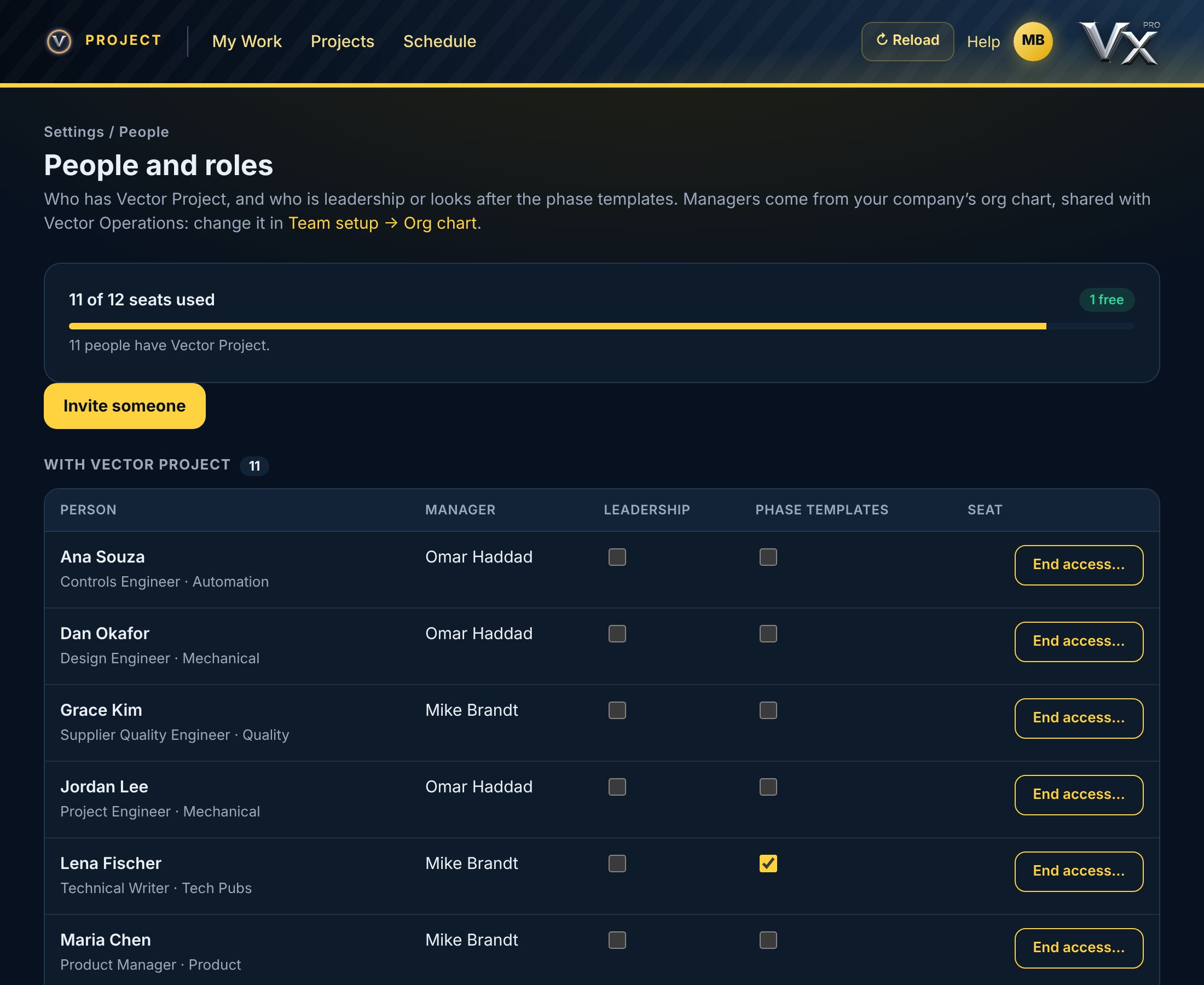
Vector Project uses the same email and password as every Vector app. You need a Vector Project seat, given by your company admin.
Help Center / Your Account
Signing in, your seat, and where your data lives.
Vector Project uses the same email and password as every Vector app. You need a Vector Project seat, given by your company admin.
Every change is saved to Vector as you make it, and checked there: if Vector refuses, you see why and the screen goes back to what Vector has. Settings → Reload from Vector shows what others have changed since.
Requests are withdrawn, phases and templates retired, projects killed or closed and people taken off a team, but nothing is ever erased: the history of every change stays on the record.