 Project
Start and tick off
When your inputs are ready, tap Start work. Tick the definition-of-done items as you meet them. Only the owner ticks them.
Help Center / Doing the Work
Starting, the checklist, what you need from others, and slips.
When your inputs are ready, tap Start work. Tick the definition-of-done items as you meet them. Only the owner ticks them.
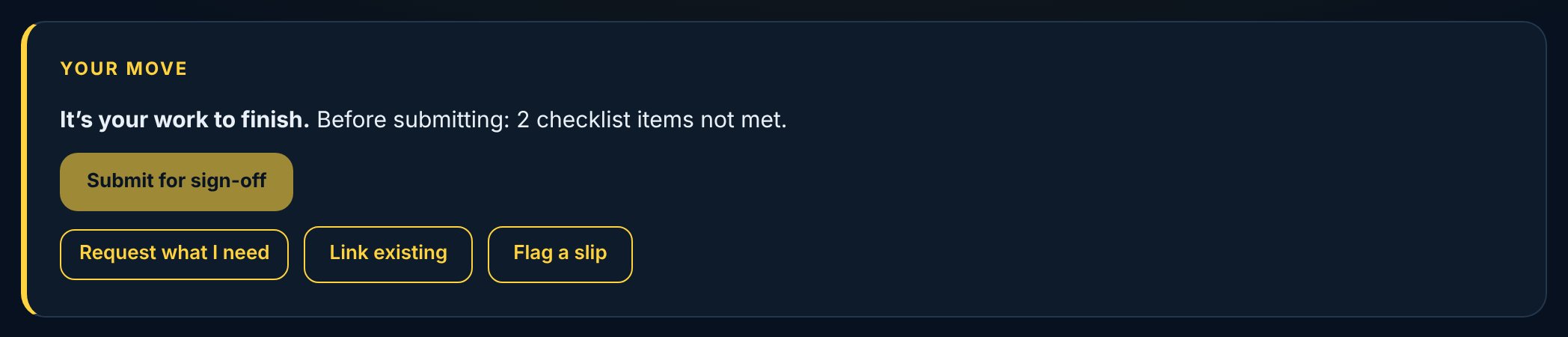
On your work, Request what I need asks someone for a prerequisite and links it to your work, needed by a date (Date A). It goes in the same phase as your work. Link existing ties in work that already exists: if its owner's date is already early enough, the link is live at once; if not, they're asked to deliver earlier and can agree or keep their date.
If your work will take longer, tap Flag a slip: how many days and why. It adds to your working time and keeps your first promise on the record. A slip flagged five or more days before the due date counts as early warning; one flagged at the last minute is short notice or a surprise.
My Work nudges you when your own work is forecast late and you haven't flagged it in the last week.