Rating the risk on your work, and the project’s early-warning card.
Rate your work
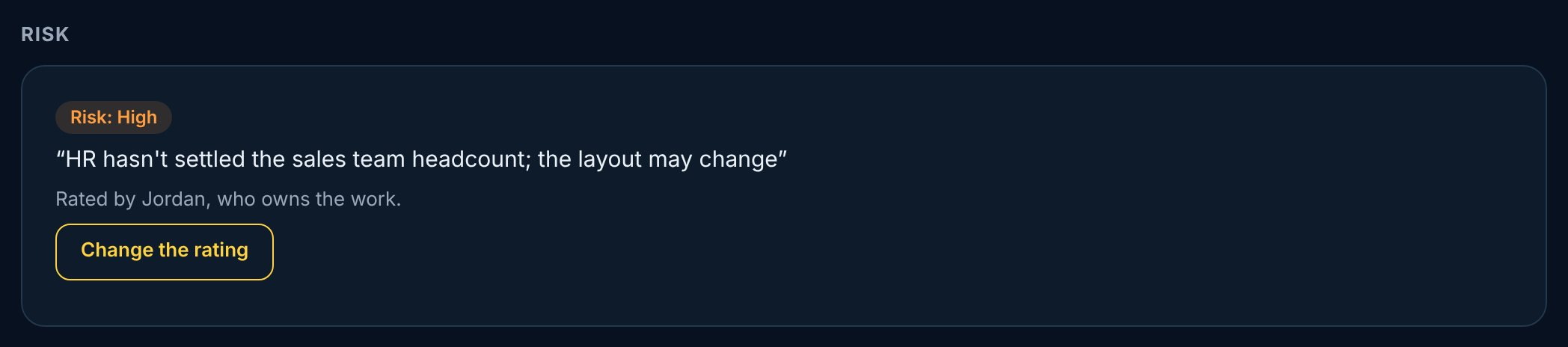
On your own work, tap Rate the risk: Low, Medium, High or Critical. High and Critical need a line saying why, like “One supplier, 12-week lead time”. Only the owner rates their work, and every change goes in History.
1Open your work.
2In Risk, tap Rate the risk.
3Pick a level and say why.
4Tap Save.
vectorxpro.com/project/app
Where it shows
The rating shows on the work’s card in My Work and on the project page. The Projects list counts each project’s open work rated Critical.
The early-warning card
On each project page: Promises kept, how slips were flagged (early, five or more days before the due date; short notice, one to four; surprise, on or after it), the days slipped by cause, and the risk on open work, with the High and Critical work listed.
It reports by handoff and cause, never as a ranking of people.
 Project