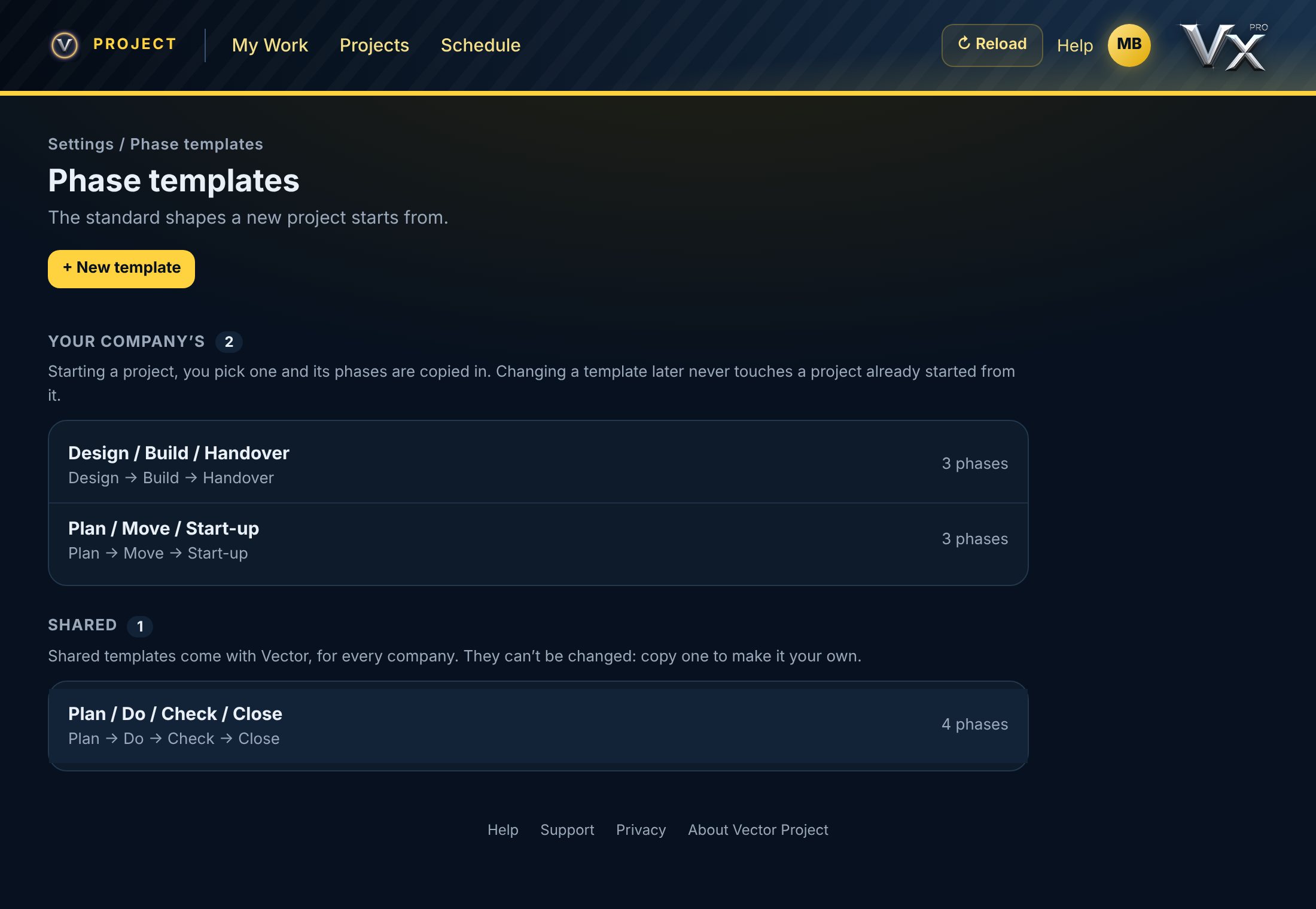
Your company's standard shapes of project, set up once.
What a template is
A template is one of your company's standard shapes of project, such as Design / Build / Handover or Plan / Move / Start-up: phase names in order, each with an optional line on what happens in it. Starting a project, you pick one and its phases are copied in. The project keeps its own copy, so changing a template later never touches a project already started from it.
Set them up
1Go to Settings → Phase templates.
2Tap New template. Give it a name and, if you like, a line on when to use it.
3Add its phases. Drag them into order; swipe one to remove it.
4Tap Save.
Company admins and whoever looks after the phase templates set them up. An admin chooses who looks after them in Projects → Company roles. Everyone else can look, and picks one when they start a project.
vectorxpro.com/project/app
Shared templates
Shared templates come with Vector, for every company. They can't be changed: open one and tap Copy to edit to make your company's own copy.
Retire one
Open the template and tap Retire. It comes off the New project list but is never deleted: it stays on the record, and projects started from it keep their phases.
 Project