Project
Attach the work
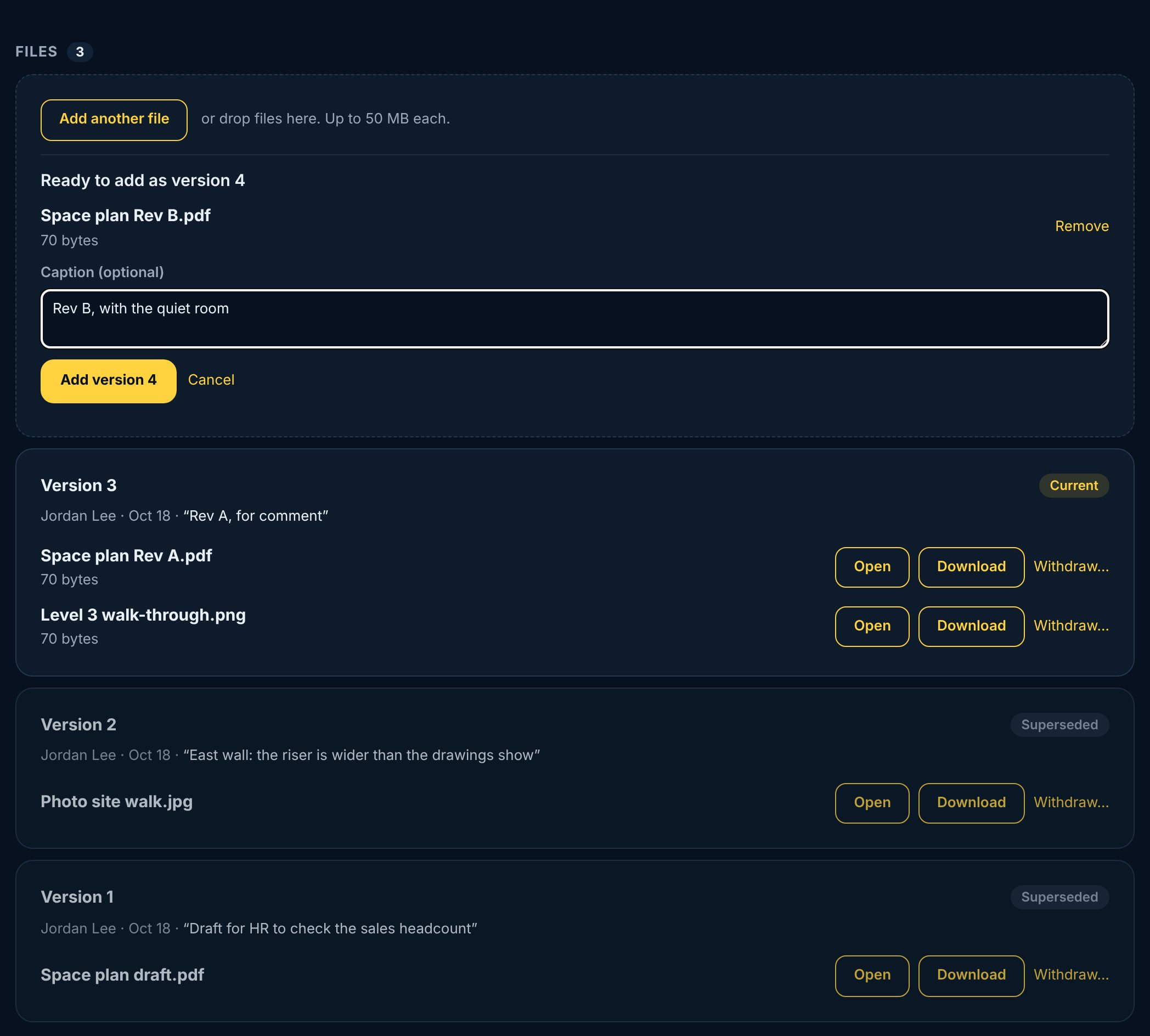
On your work, tap Attach files and choose a file, photos from your library, or take a photo. For physical work, a photo of it done is the usual proof. Add a caption if it helps, then tap Add version.
- 1Open your work and scroll to Files.
- 2Tap Attach files and pick one or more.
- 3Add a caption (optional), like “Rev B, fire exits added”.
- 4Tap Add version.