
VectorXPro
← Back to Vector Workflow

Help Center / The Floor

The Floor

Machines, bays, the quality check and outside work, at a glance.

The overview

The Floor tab opens on what's running, ready and coming at every machine and bay, building by building, your team's first, with counts to check, ready for a bay, at vendors and late. Pick All buildings or one building at the top; the phone remembers it. Tap a machine or bay for its queue.
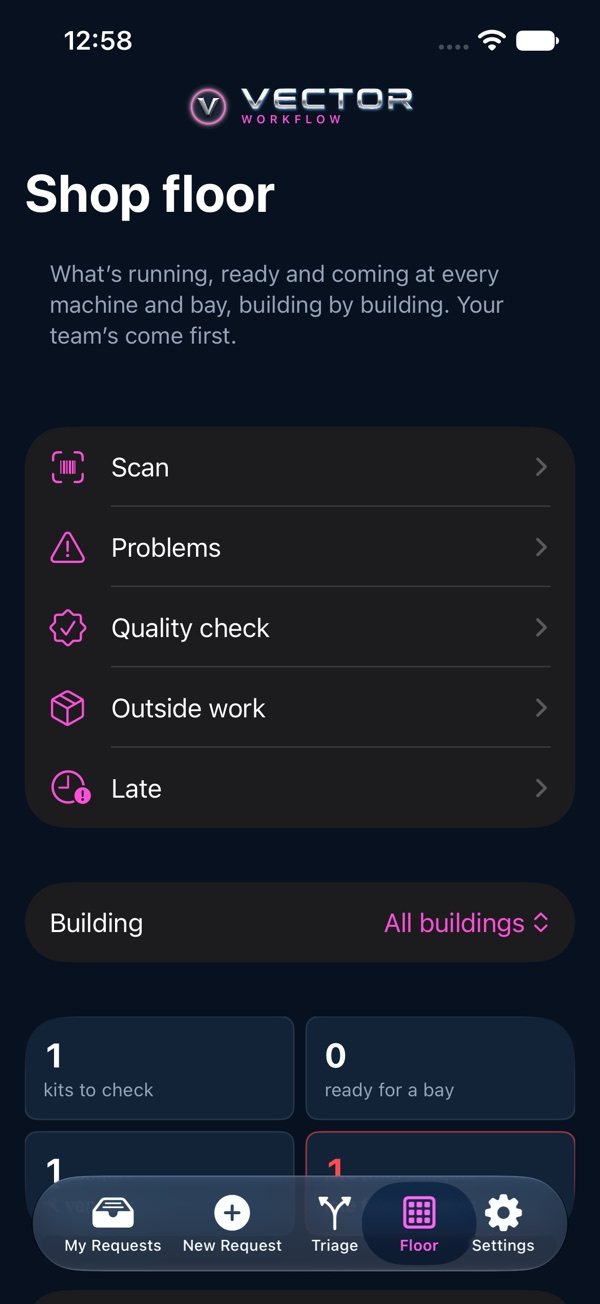
Shop floor: Scan, Problems, Quality check, Outside work and Late, building by building

Machines and bays

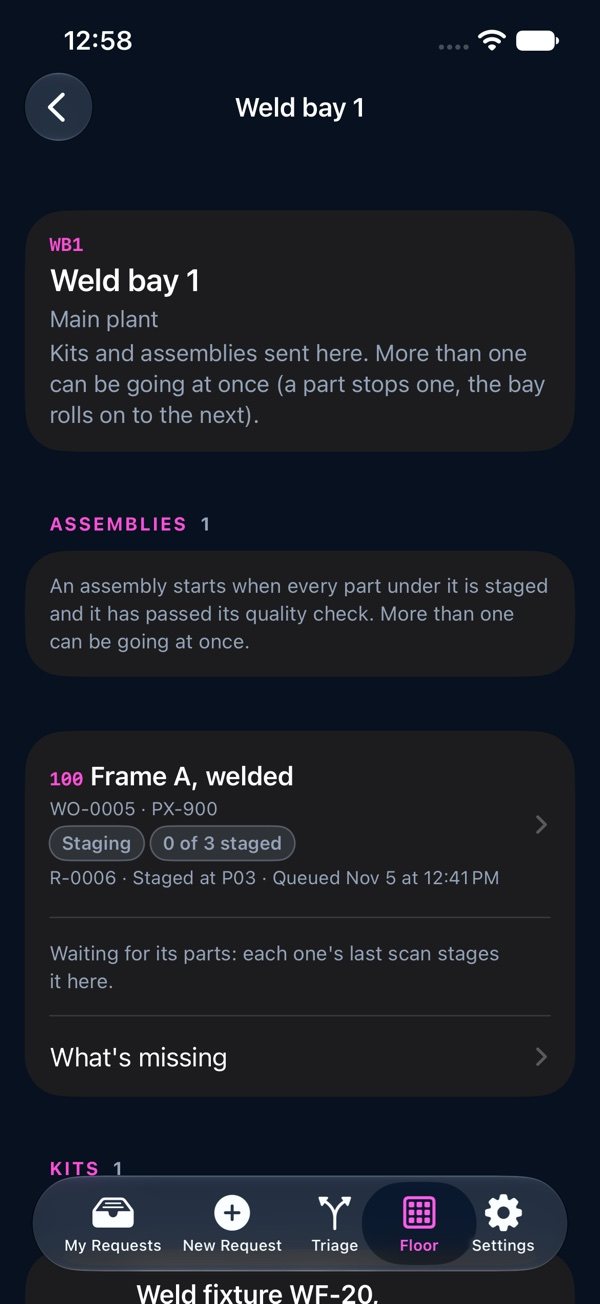
At a machine, Start a part when it goes on and Finish when it comes off; a CMM records Pass or Fail instead. At a bay, more than one kit or assembly can be going at once: “Pull the kit”, then “Built”. An assembly starts when every part under it is staged (each part's last scan stages it; “What's missing” lists the rest) and a team that checks quality has passed it (“Check it”), then “Built”, with where it goes next. If Built asks where it is staged, pick a storage spot and press Built again.

A weld bay: its assemblies, staged parts and what's missing

Quality check and outside work

A complete kit is checked by a team that checks quality (Pass or Fail; Fail can open a problem), then sent to a bay. Outside work lists parts going to or at a vendor: Send, a new promise date, and Back when they return.