Workflow

Send one
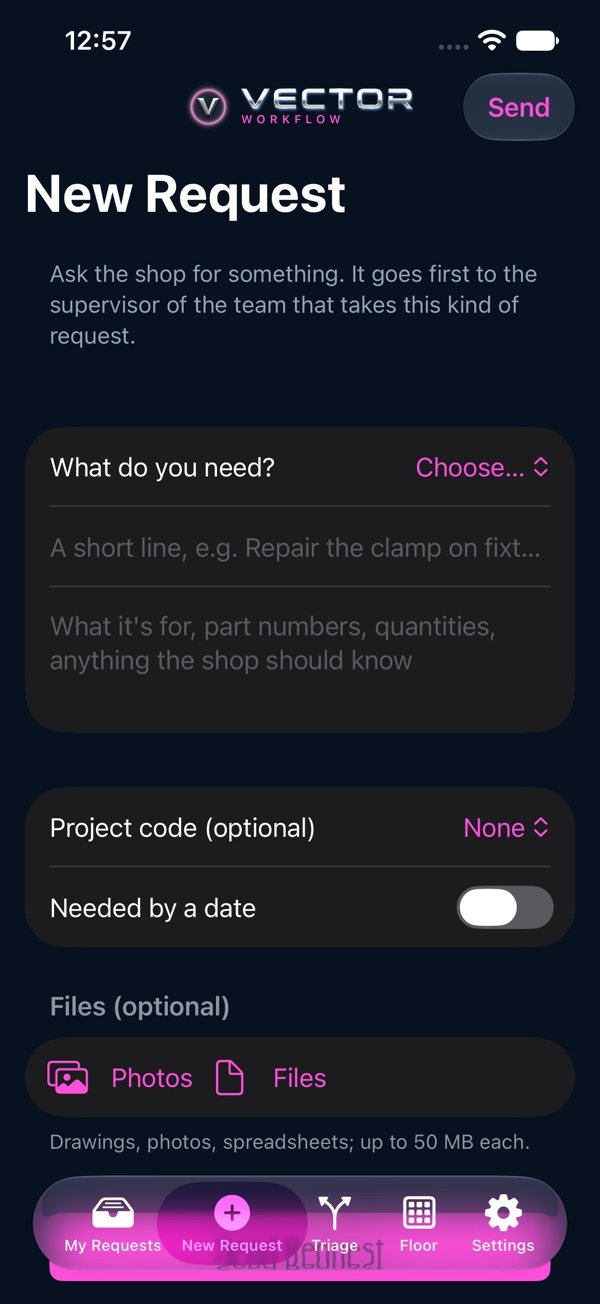
- 1Tap the New Request tab.
- 2Pick the kind of request and give it a short title and the details.
- 3Pick the project code. If your plant asks, pick a capital number, or tap “No capital”.
- 4Set the day you need it, and add photos (camera or library) or files if they help.
- 5Tap “Send Request”.
It lands with that kind's first team, whose supervisor gets an email and routes it. You'll see every step on the request's page.