Workflow

The statuses
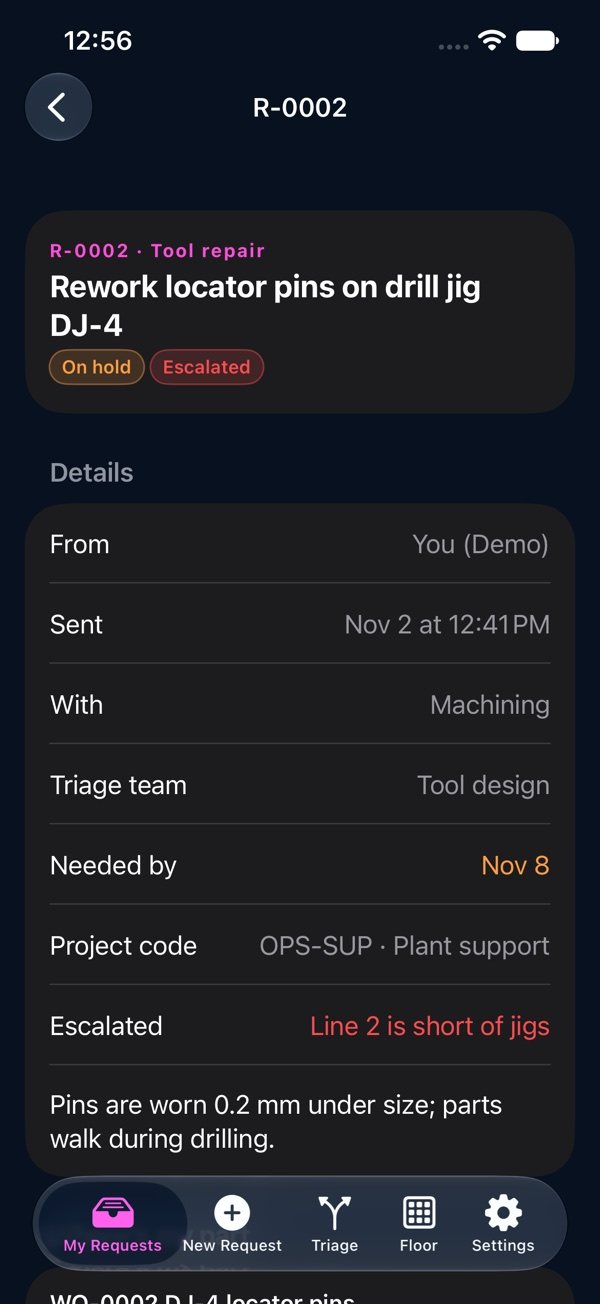
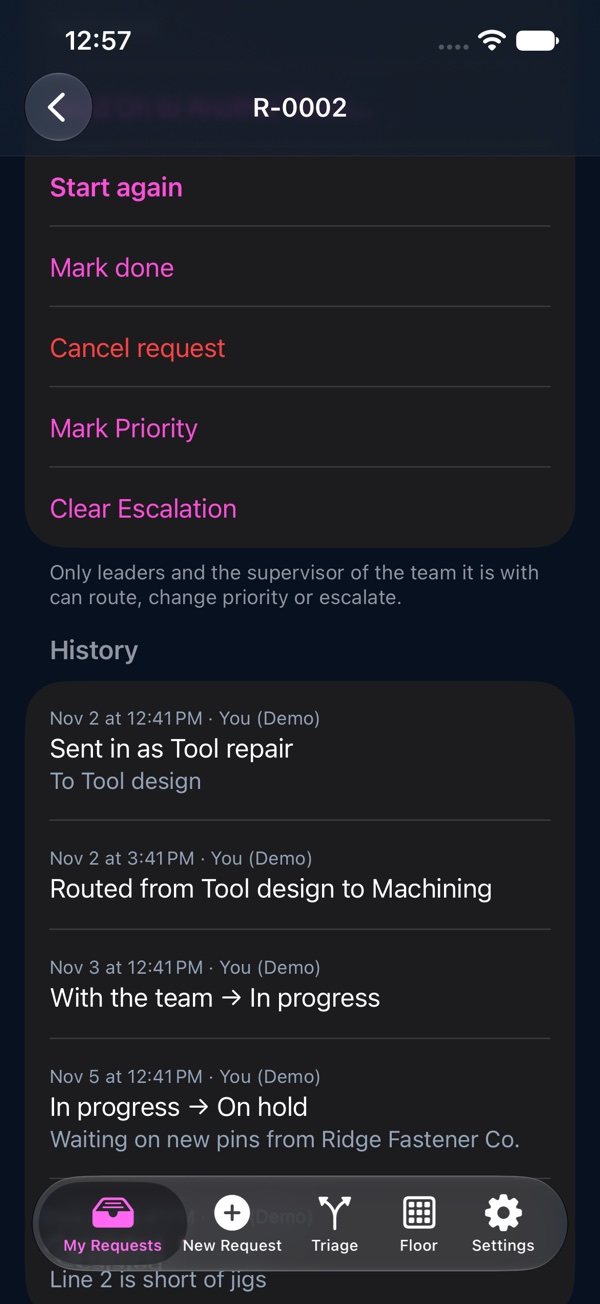
Waiting for triage: a supervisor hasn't sent it to a team yet. With the team: it's been routed. Then In progress, On hold, Done or Cancelled. Closed requests sit behind “Show Closed”.
Help Center / Where Your Request Stands
My Requests, the statuses, and a request's own page.
Waiting for triage: a supervisor hasn't sent it to a team yet. With the team: it's been routed. Then In progress, On hold, Done or Cancelled. Closed requests sit behind “Show Closed”.
Open a request to see its details, its files, where its parts are, and its whole history. The team it's with can Start, Put on hold and Mark done. A note goes with the change, or on its own, and everyone on the request sees it. Escalating needs a reason in the note.