Workflow

Triage and Routing
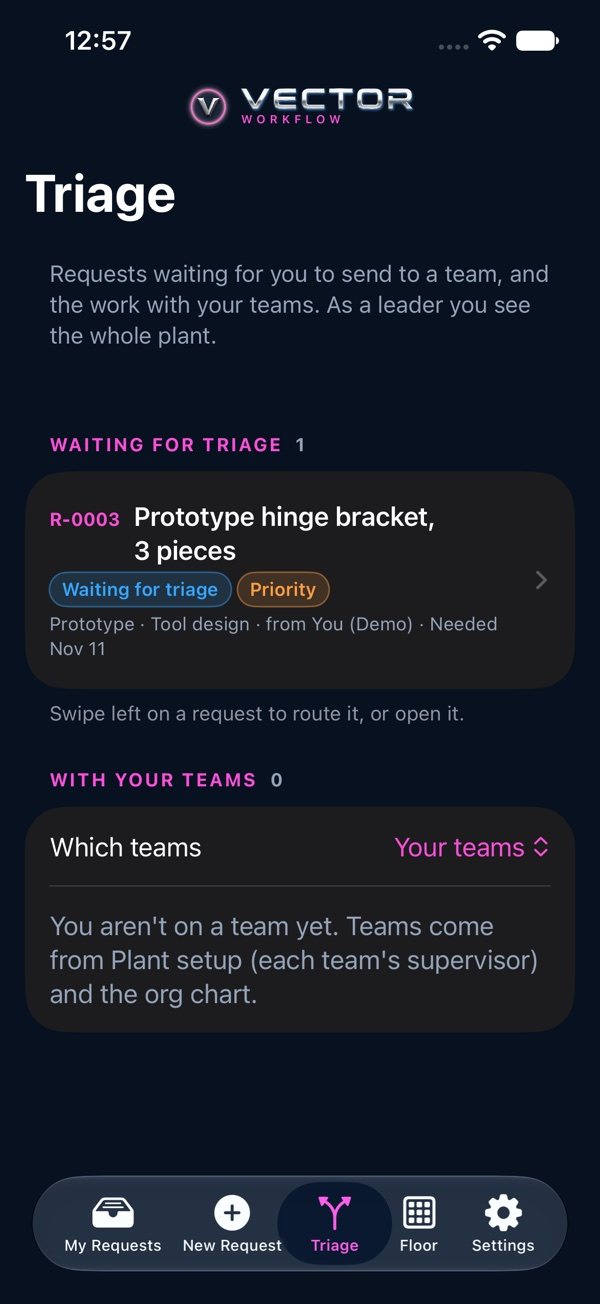
Supervisors see new requests for their team in Triage, set the priority and send each to the team that will do it. Leaders can send anything anywhere, raise priority and mark a request escalated (with a reason). Only leaders and the supervisor of the team a request is with can route it, change its priority or escalate it.