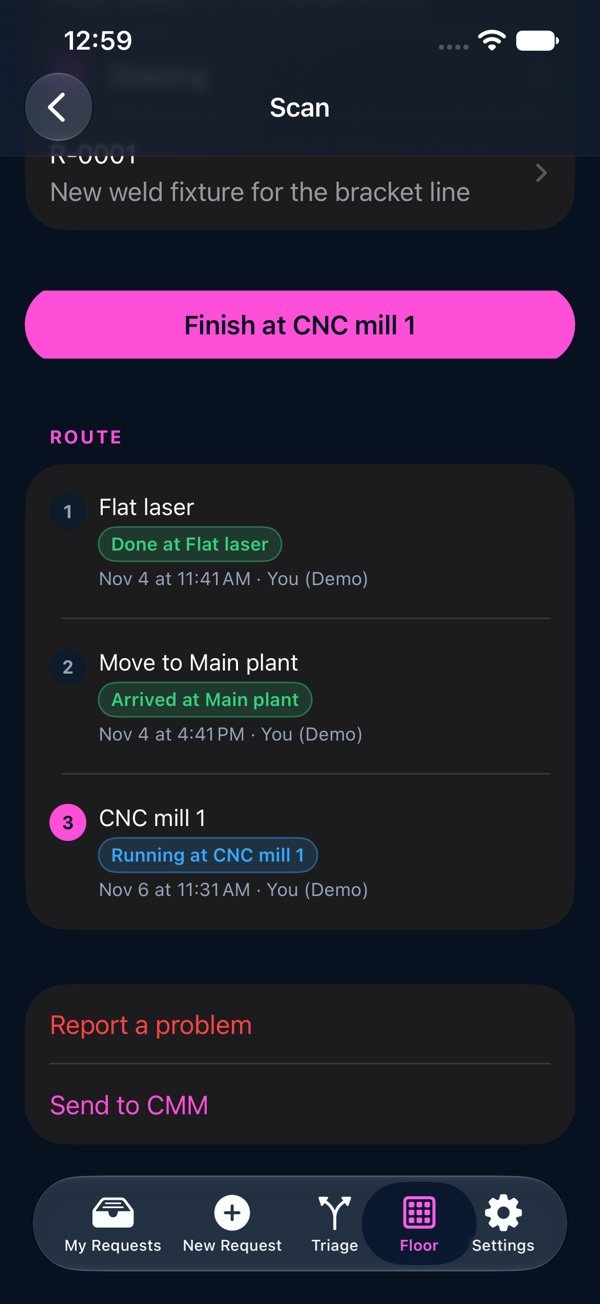
Workflow

Scan a part
- 1Open Floor › Scan.
- 2Tap “Camera” and point it at the traveler's barcode or QR code, or type the code (for example WO-0001-03).
- 3Press the one button for the next step: Start or Finish at a machine, Send or Arrived for a move, Out or Back for a vendor.
- 4After a part's last step, the screen says “Take it to …”: its kit, or its assembly's staging spot.
Your own last scan can be undone for 15 minutes (“Undo My Last Scan”). A held part refuses every scan until its problem is closed.