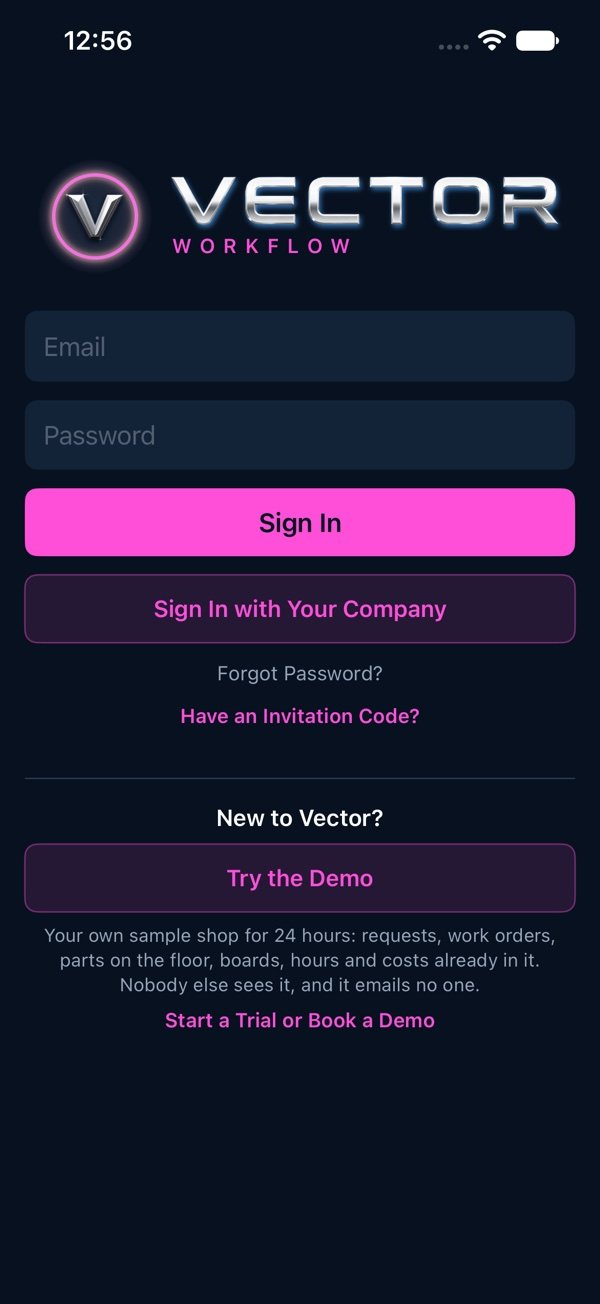
Your own sample shop for 24 hours, no account needed.
Your own copy for a day
1On the Vector Workflow sign-in page, vectorxpro.com/workflow/app, under “New to Vector?”, press “Try the Demo”. (In the phone app it’s on the sign-in screen too.)
2Wait a few seconds while your copy is set up.
3You’re in Northgate Metalworks, a sample plant, as its Demo Visitor, an admin, with requests, work orders, parts on the floor, boards, hours and costs already in it.
Nobody else sees your copy, and it emails no one. Try anything: raise a request, release a work order, scan a step, log hours, open a shop screen.
The strip at the top
While you’re in the demo, a strip above the page says so, with the time left and “Start a Trial”, which opens our page on starting a trial or booking a demo with us.
When the day is over
After 24 hours the copy ends and its sign-in stops working. Sign out and press “Try the Demo” again for a fresh copy. Signing out and back in during the day, in the same browser, reopens the same copy.
 Workflow