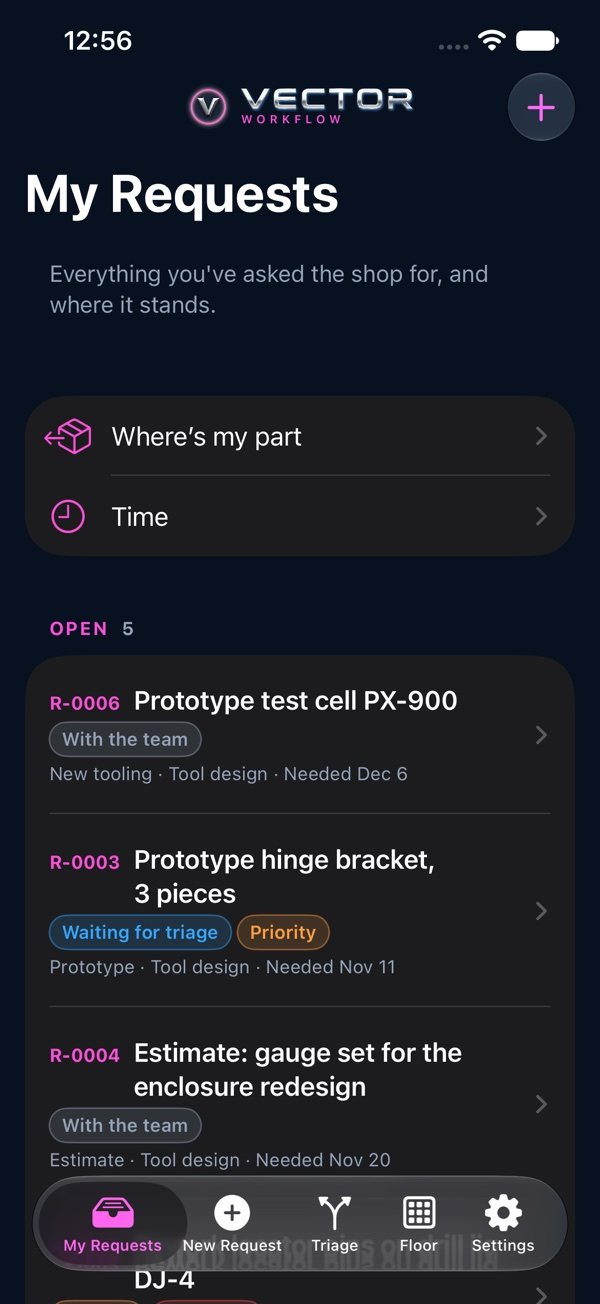
What Vector Workflow does, and where everything is on your phone.
What Vector Workflow is
It runs the work inside a shop or tool room. A request comes in, the supervisor of the right team triages it, the team opens work orders, and the parts move through their steps on the floor. Everyone can see where their work stands on their phone (iPhone or Android) or on the web at vectorxpro.com/workflow/app.
The tabs
My Requests: what you've asked for, with Where's My Part and Time. New Request: ask the shop for something. Triage: for supervisors, leaders and team members. Floor: for the floor teams and material handlers, with Scan, the queues, Quality check, Outside work, Problems and Late. Settings: your account, this Help Center and Sign Out. You see the tabs your role needs.
On the web
Everything here is on the web too, at vectorxpro.com/workflow/app, in the menu (☰ when the window is narrow). Material, Cost, shop screens, printing travelers, Plant setup and People are on the web only: see On the Web.
 Workflow