Operations Pro
Record progress
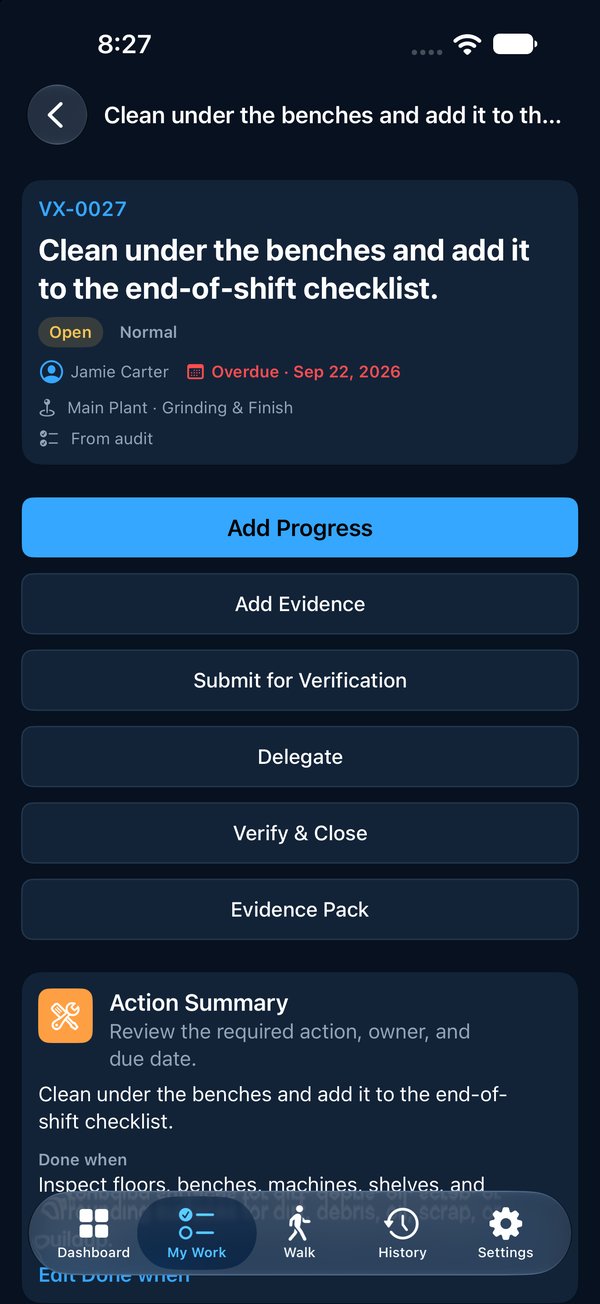
- 1Open the item.
- 2Tap Add Progress.
- 3Say what was done, then tap Add Note.
Notes are never edited or replaced once saved. If something changes, add another note. That's what keeps the history honest.
 2
2Help Center / Working an Item
Progress notes, statuses, and sending it for verification.
Notes are never edited or replaced once saved. If something changes, add another note. That's what keeps the history honest.
2The item moves to Pending Verification and waits for someone to check it.
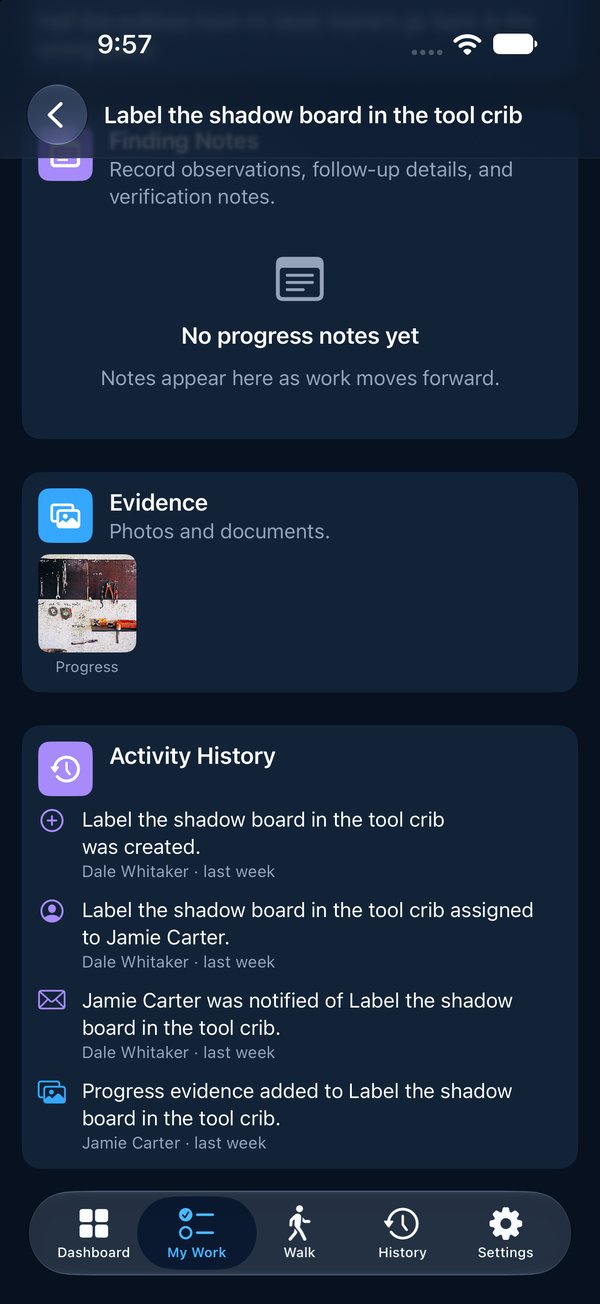
12At the bottom of every item is its history: who raised it, who it was given to, when it was emailed, every note, photo and status change. Vector writes this itself. No one can edit it.